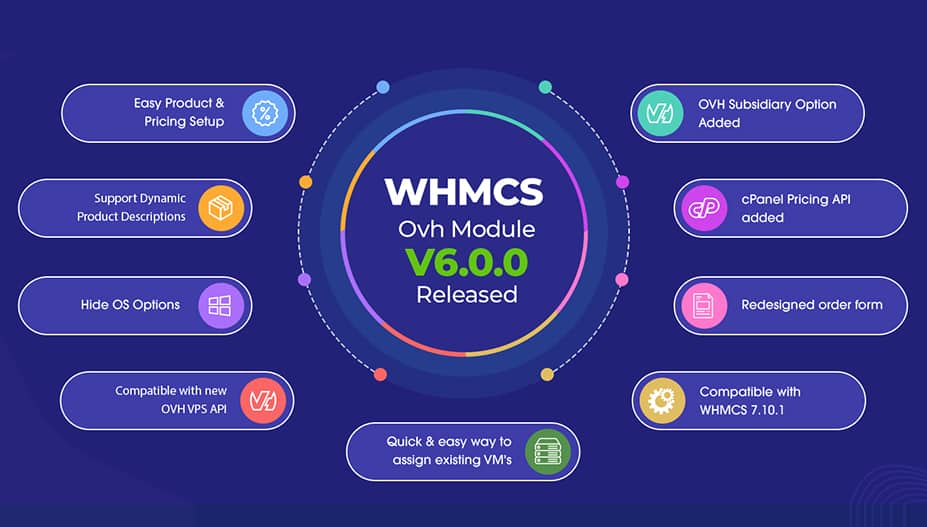
Most of the web hosting companies use OVH servers when it comes to reselling VPS and Dedicated servers. Our WHMCS OVH module allows web hosting businesses to resell OVH VPS and Dedicated servers in WHMCS. Since OVH changes the VPS products model. Thus, they shut down the old VPS server selling and updated the complete API which makes us update our module compatible with the new updated APIs. Keeping that in mind comes to our new OVH Module v6.0.0 update developed especially for OVH users.
What’s new in the WHMCS OVH Module 6.0.0?
1. Easy Product & Pricing Setup
Admin now has the ability to set the pricing margins based on the product groups. By default, the new version of the OVH module provides the option to set predefined prices. These predefined prices add up to the following:
- Products Pricing
- Configurations (Licences price, Extra Hard disk & Network price, etc.)
- Additional IP’s (Set margin as default IP price is $3 per IP)

2. OVH Subsidiary Option has been added
We have also added an option to select the OVH Subsidiary. That helps users to select a subsidiary and fetch their products without having an account under the same subsidiary.
For example – If a user has an account in OVH CA. They will be provided with an option to fetch the product from the below-mentioned subsidiaries:
- Canada WE(USD)
- Asia (USD)
- Australia AU(AUD)
- Canada CA(CAD)
- Singapore SG(SGD)

3. Supports Dynamic Product Descriptions
In the previous version, we were required to manually add a product description. And now with this new update, we have automated this process. Therefore, now the product title and product description will come dynamically from the OVH itself.
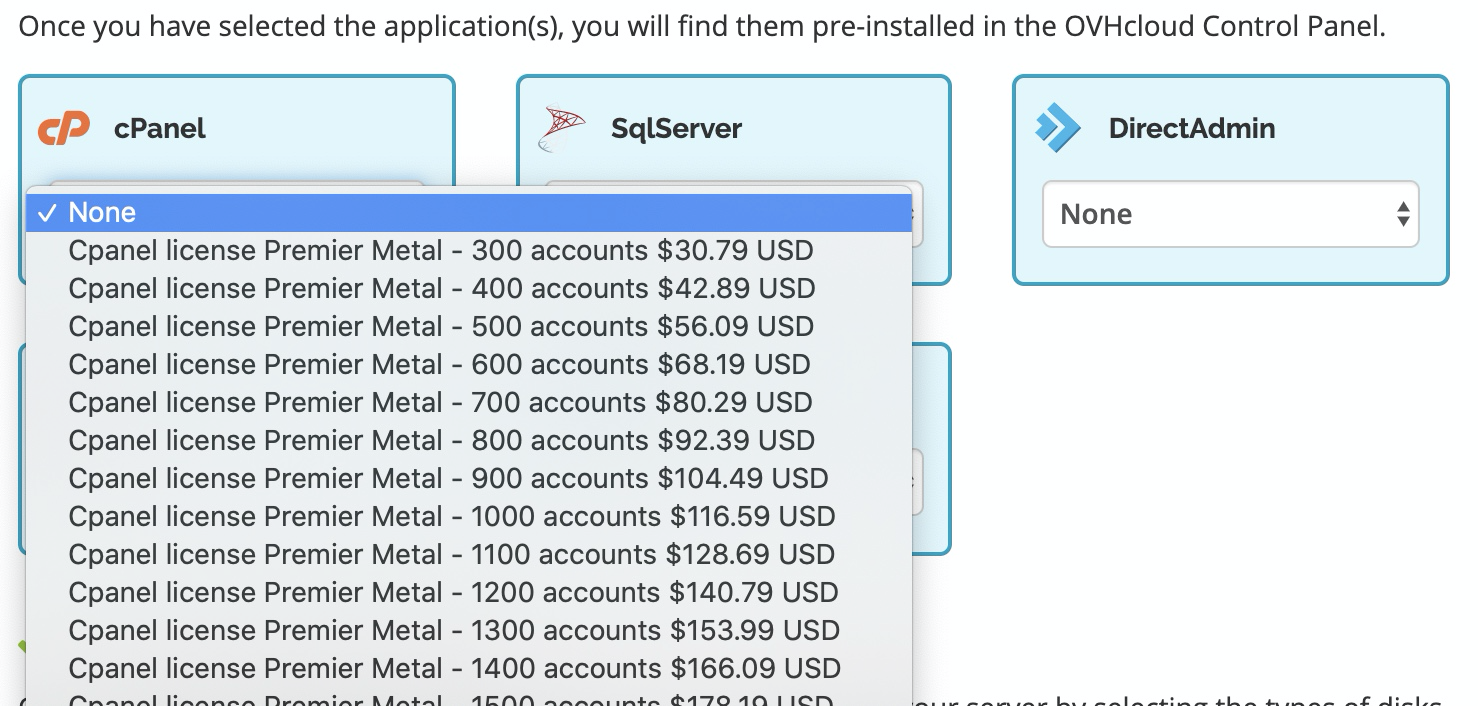
4. Automatic cPanel Pricing
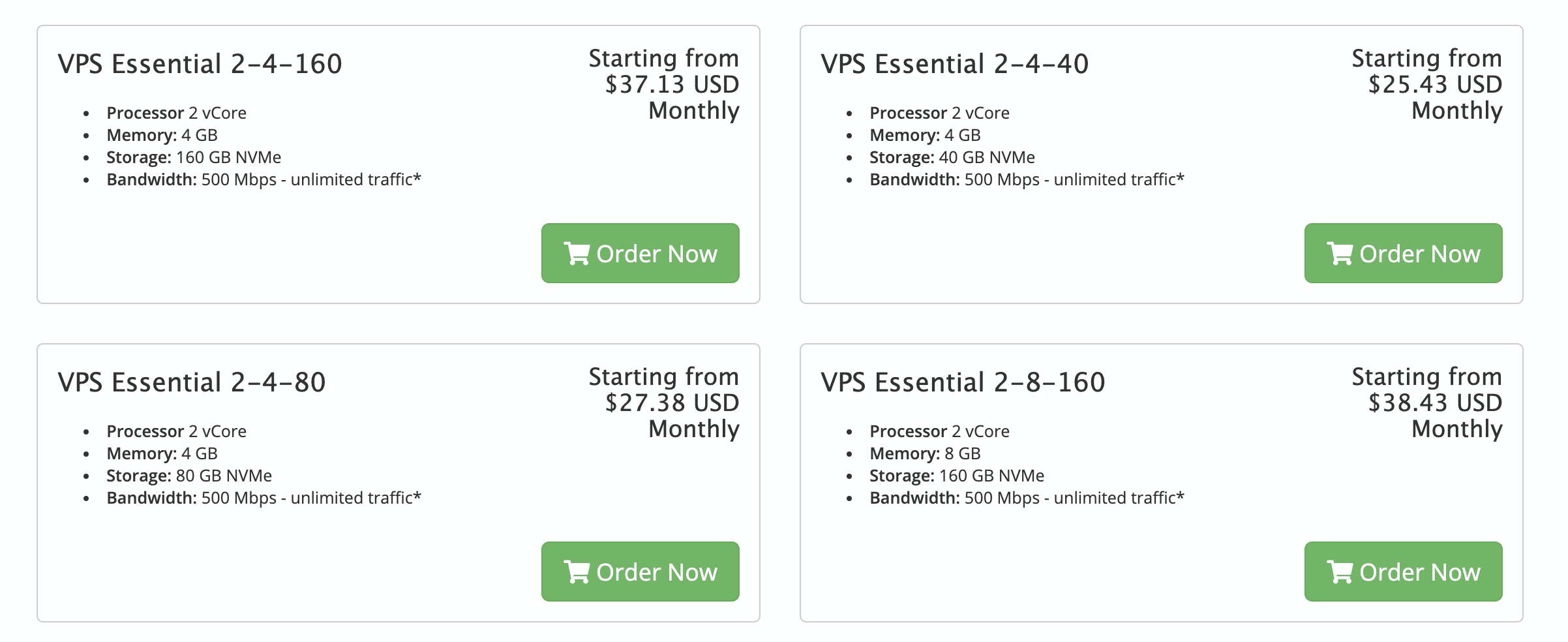
As you know in the previous version, the cPanel pricings used to be fixed. As of now, the cPanel has changed their entire pricing structure. Thus, we have added the cPanel Pricing API in this new update. What makes it better is the fact that it can automatically fetch the cPanel prices and reduce the time for adding the cPanel pricing manually.
5. Hide/Show the OS Options
We have been working on the importing of all the OVH products dynamically so that the module automatically fetches the operating systems. In which there are some outdated operating systems such as cPanel, Plesk, DirectAdmin, CorOS, Slackwave, etc.
Therefore, we have added an option in the module. By enabling that option you can restrict those operating systems to get imported.
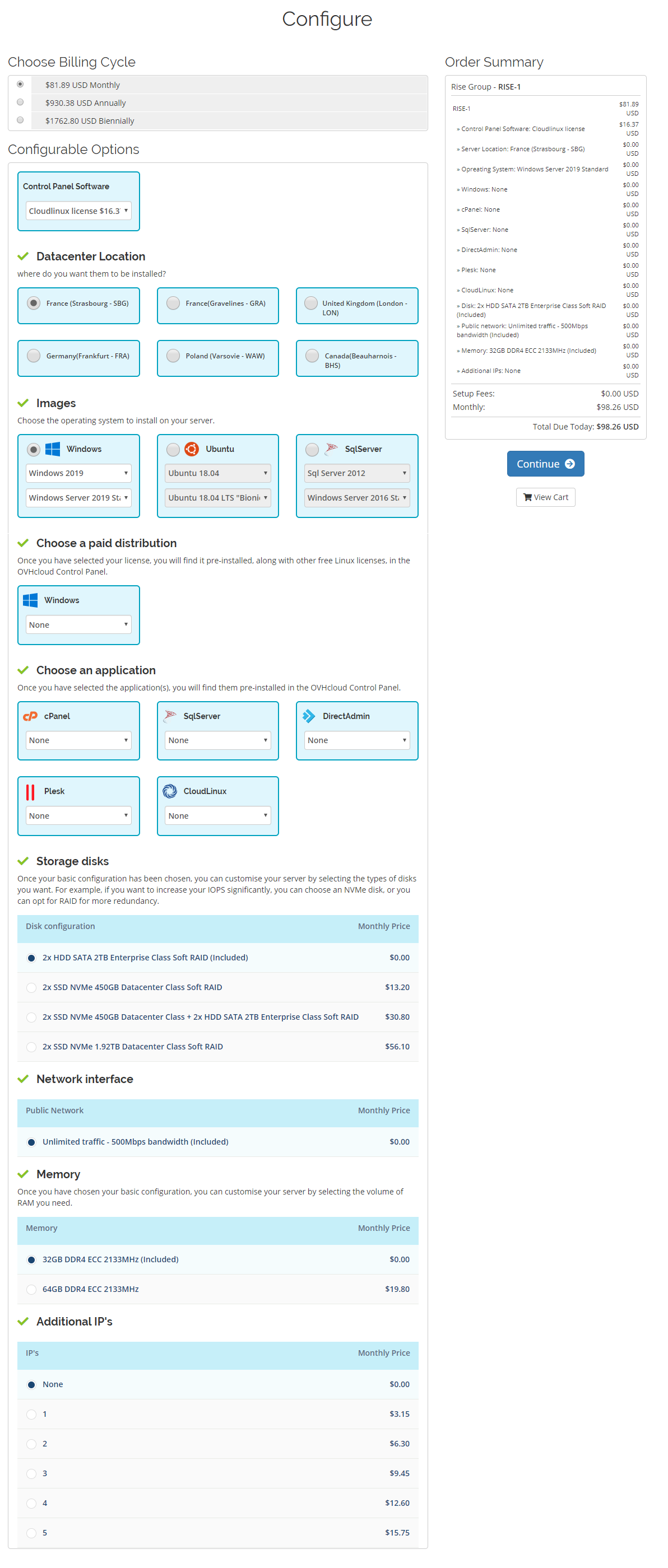
6. Redesigned Orderform Config Option
We have redesigned the complete config option of the order form of the module. In order to give your clients a unique purchasing environment. That is not just unique but highly user friendly as well.
7. Compatible with OVH VPS API
Since the OVH Module changes the API for VPS products & reinstalls the OS. And shuts down the old VPS server selling. Therefore, the release of the new VPS plans for that also changes the API. This implements the API for the product setup as well as the reinstallation of the OS.
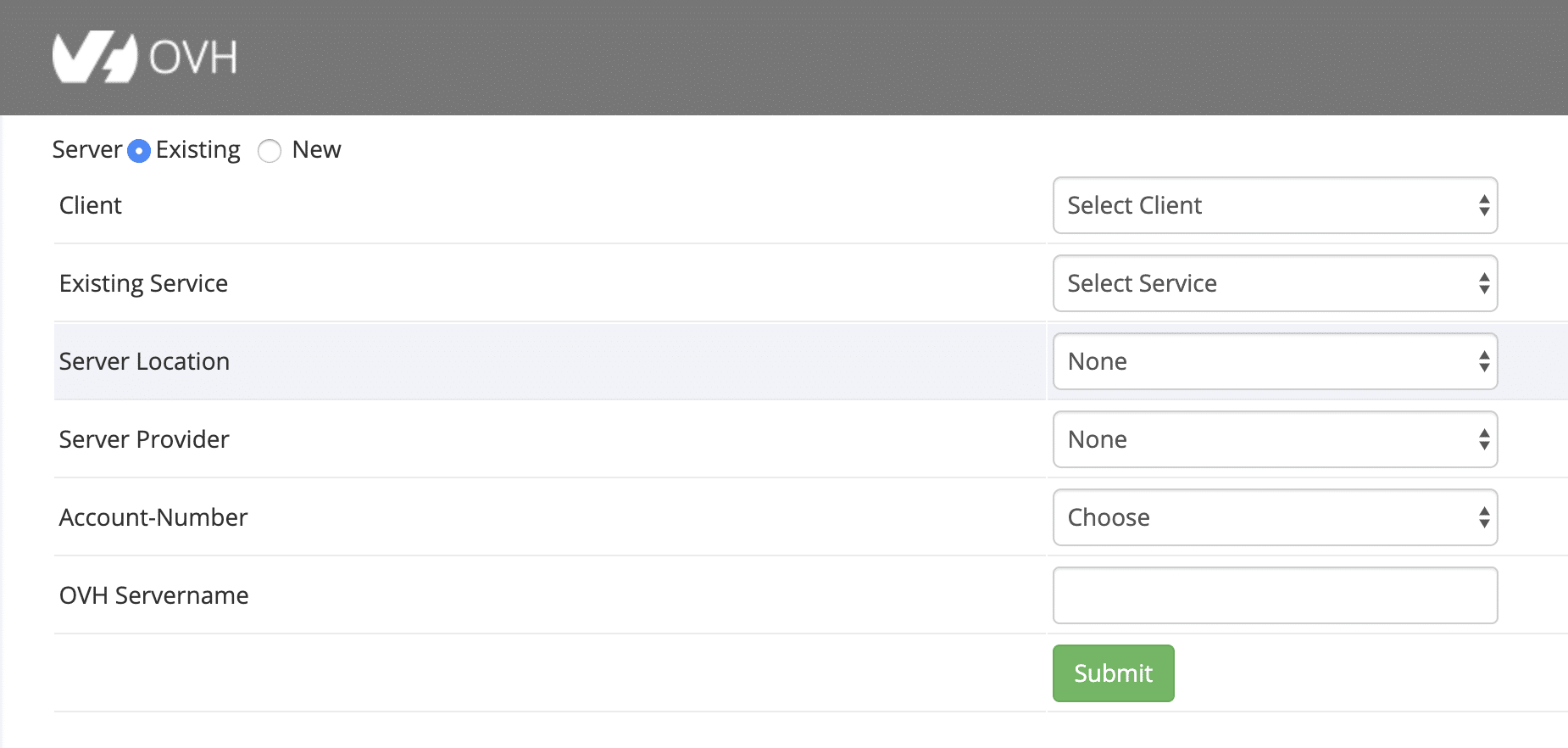
8. Quick & easy way to assign existing VM’s
The module has now the ability to assign the existing VM’s created for WHMCS users.
9. Compatible with WHMCS 7.10.1
New version of the module is now compatible with the latest WHMCS 7.10.1.

Apart from these new updates and features, we have done many bug fixes in this new update.