10 Days money back guarantee
Free Module Updates
One-Click Upgrade
Access To Premium Offers
Multi-Level Tech Support
10 Days Money Back Guarantee
Development licence available for 30 Days on demand
10 Days money back guarantee
Access To Premium Offers
Multi-Level Tech Support
10 Days Money Back Guarantee
Development licence available for 30 Days on demand
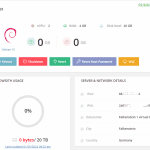
Hetzner WHMCS Module Overview
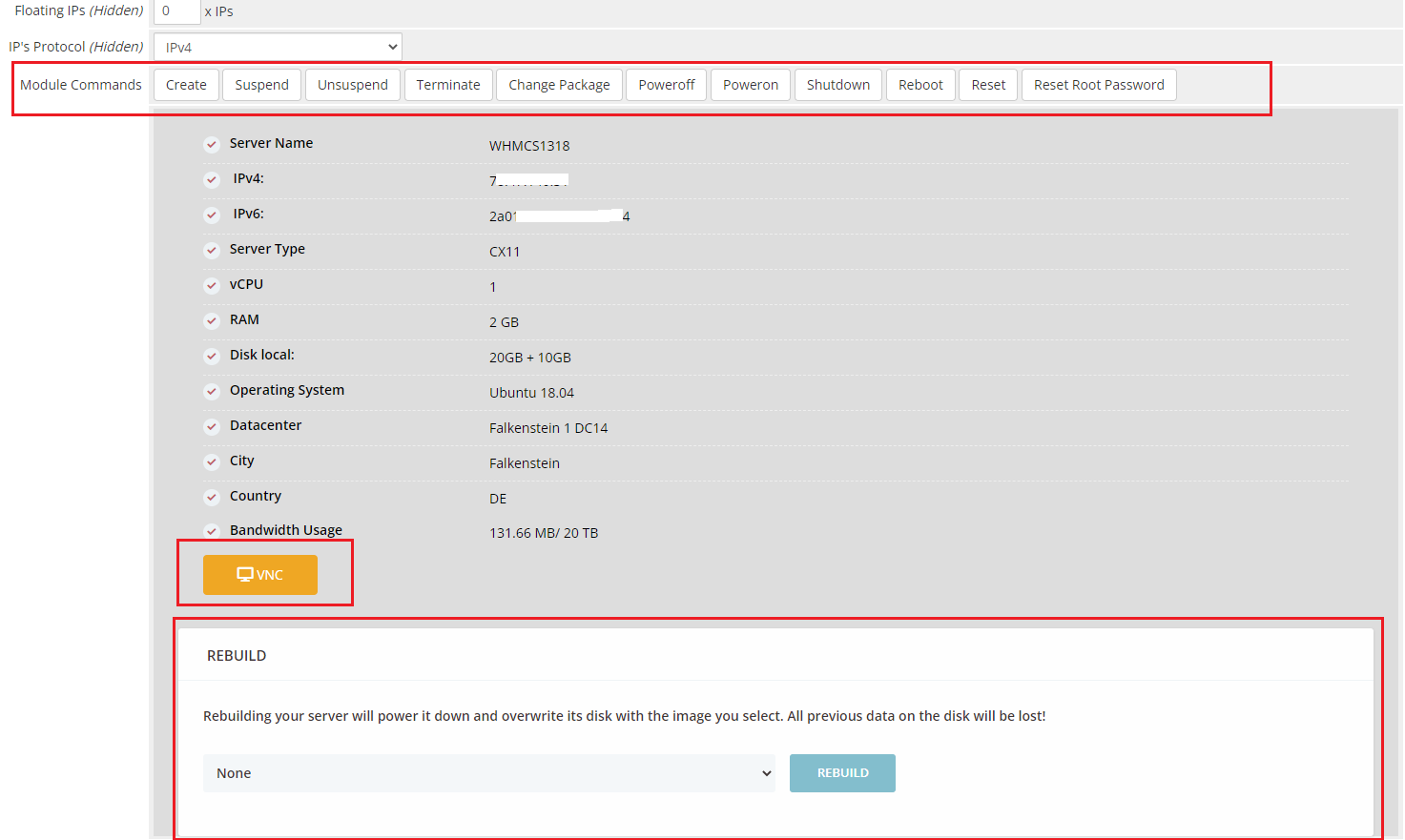
The Hetzner Cloud WHMCS Module lets you provision and manage Hetzner Cloud servers directly through WHMCS. Servers are automatically created when clients place an order and can be suspended when services are not renewed.
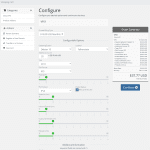
Clients can reboot, reset, rebuild servers, manage floating IPs, check bandwidth usage, and access the console from the WHMCS client area. You set your own product pricing, while the servers continue to run through your Hetzner account.
Hetzner Feature List

Auto provisioning
It allows your clients to set up and deploy servers upon purchase. It also auto-suspends server if the user has not renewed it.

Server Management
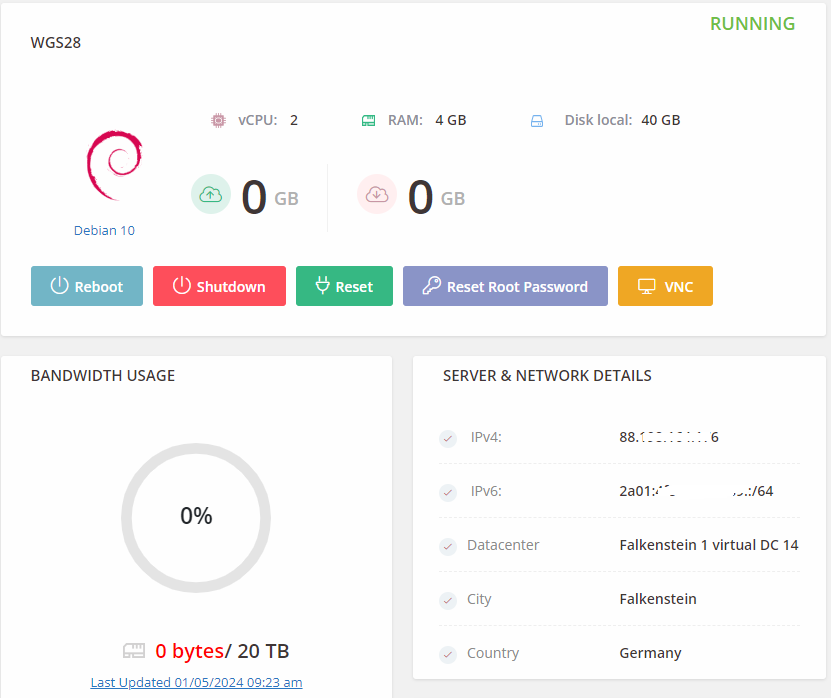
Your clients can perform various server-related tasks including server reboot, reset, rescue, and rebuild from within the WHMCS client area.

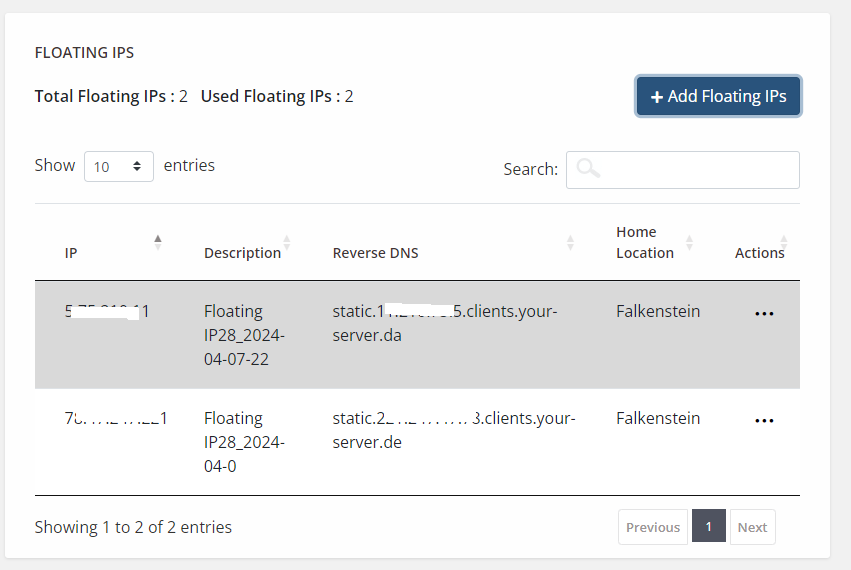
IP Management
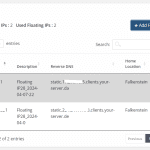
Hetzner WHMCS Module interface enables your clients to manage floating IPs from the WHMCS client area.

Monitor Bandwidth Usage
Your client can monitor the usage of the bandwidth easily from the WHMCS client area and can take the actions required to manage it.

Monitor Graphical Usage
Lets your clients give the option to see graphs and track the usage of CPU, disks IOPS, disk throughput, Network PPS, as well as Network traffic.

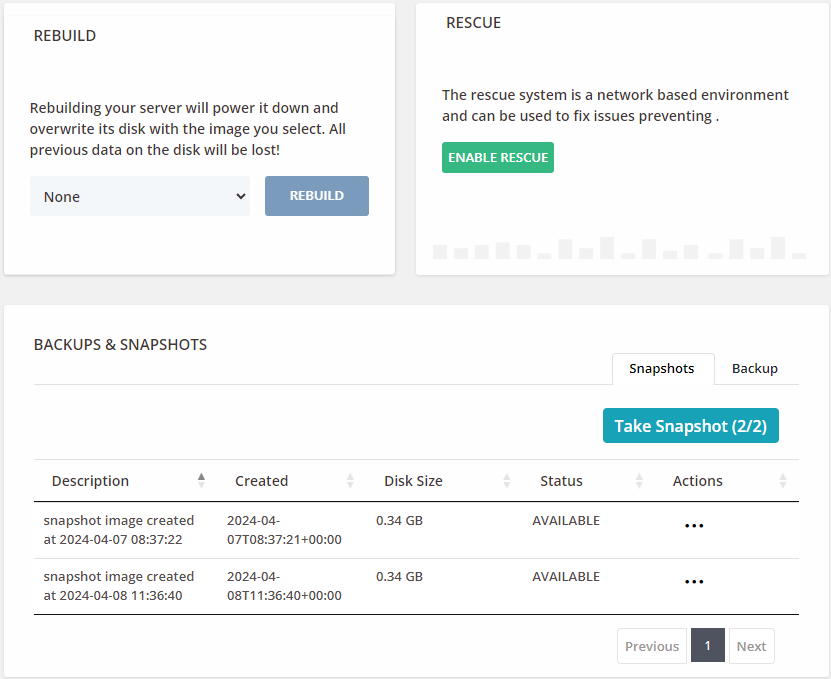
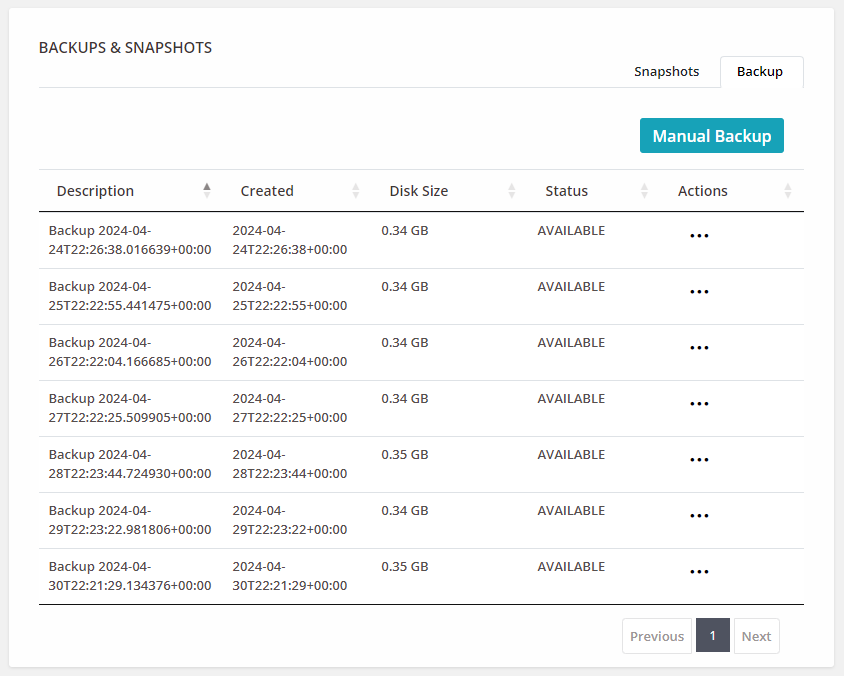
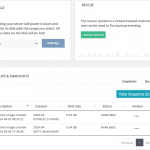
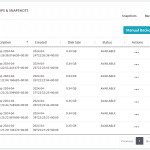
Manage backup and Snapshot
Your client has the option to use additional services like snapshot and back management, which can be resold to the user. The pricing structure depends on the frequency and backup size.

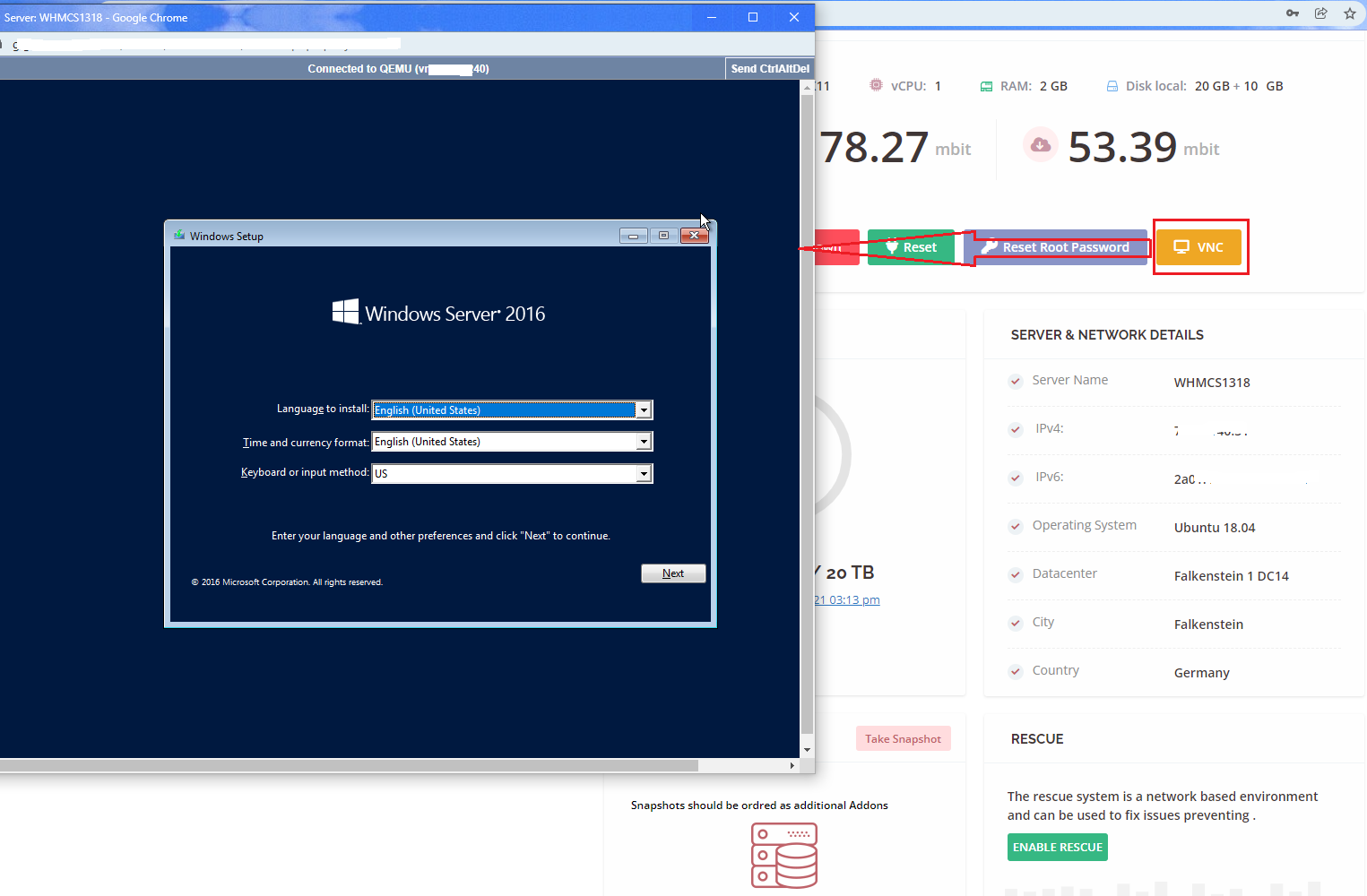
Access Remote Console Access
The module allows WHMCS admin users and clients to access the Remote Console Access from the admin and client areas, respectively.

Reset Root Password
Clients can reset the root password anytime in just a few minutes within the client area.
Upgrade or Downgrade Server or VM
Clients can change the type of the server by upgrading or downgrading the server as and when needed.

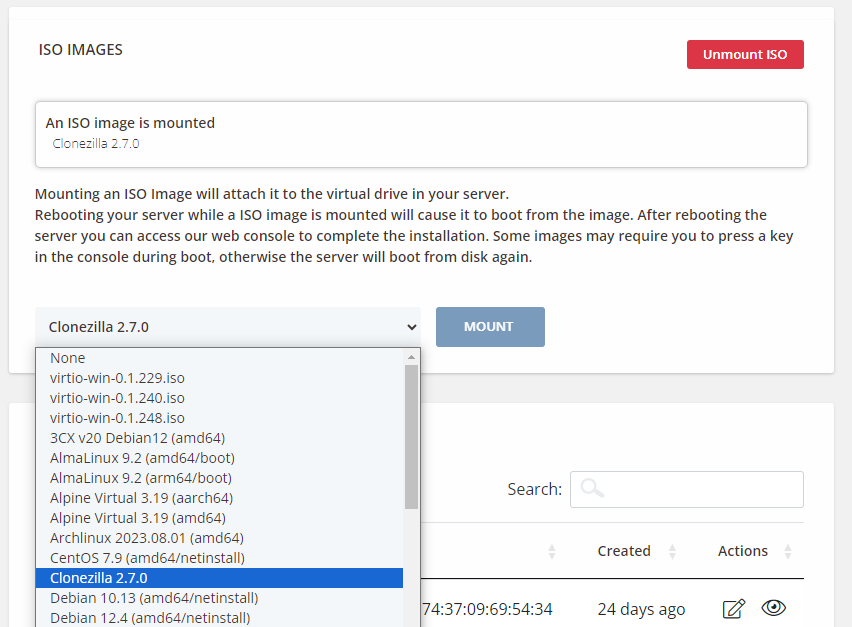
Mount/Unmount ISO
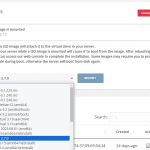
Clients can mount/unmount ISO images anytime from the WHMCS client area.
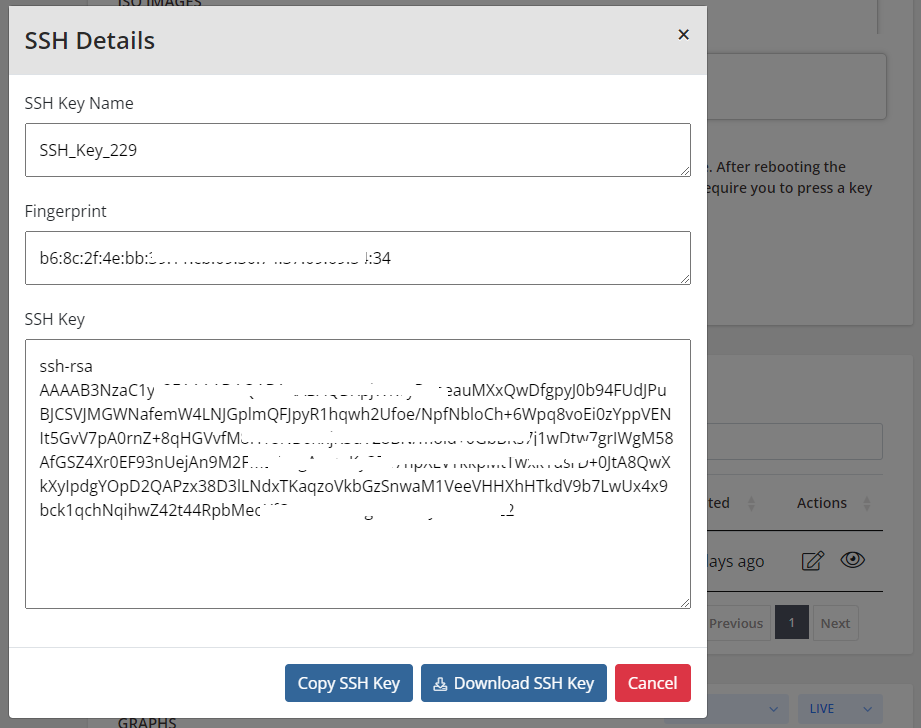
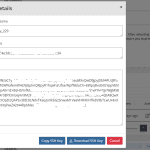
SSH Key Management
Users can easily manage and add SSH key and easily download the data from WHMCS client Area.

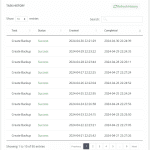
Activity Log or server log
Easily manage and maintain the detailed server log activities, allowing to track changes, diagnose issues, and maintain security.
Benefits To Admin and their Clients
Client
- View Server Info
- Power On/Power Off/Shut Down/Reboot Server
- Reset Server
- Reset Root Password
- Access Remote Console
- View Assigned IPv4 And IPv6 Addresses
- Mount/Unmount ISO Images
- View/Manage Floating IP Addresses
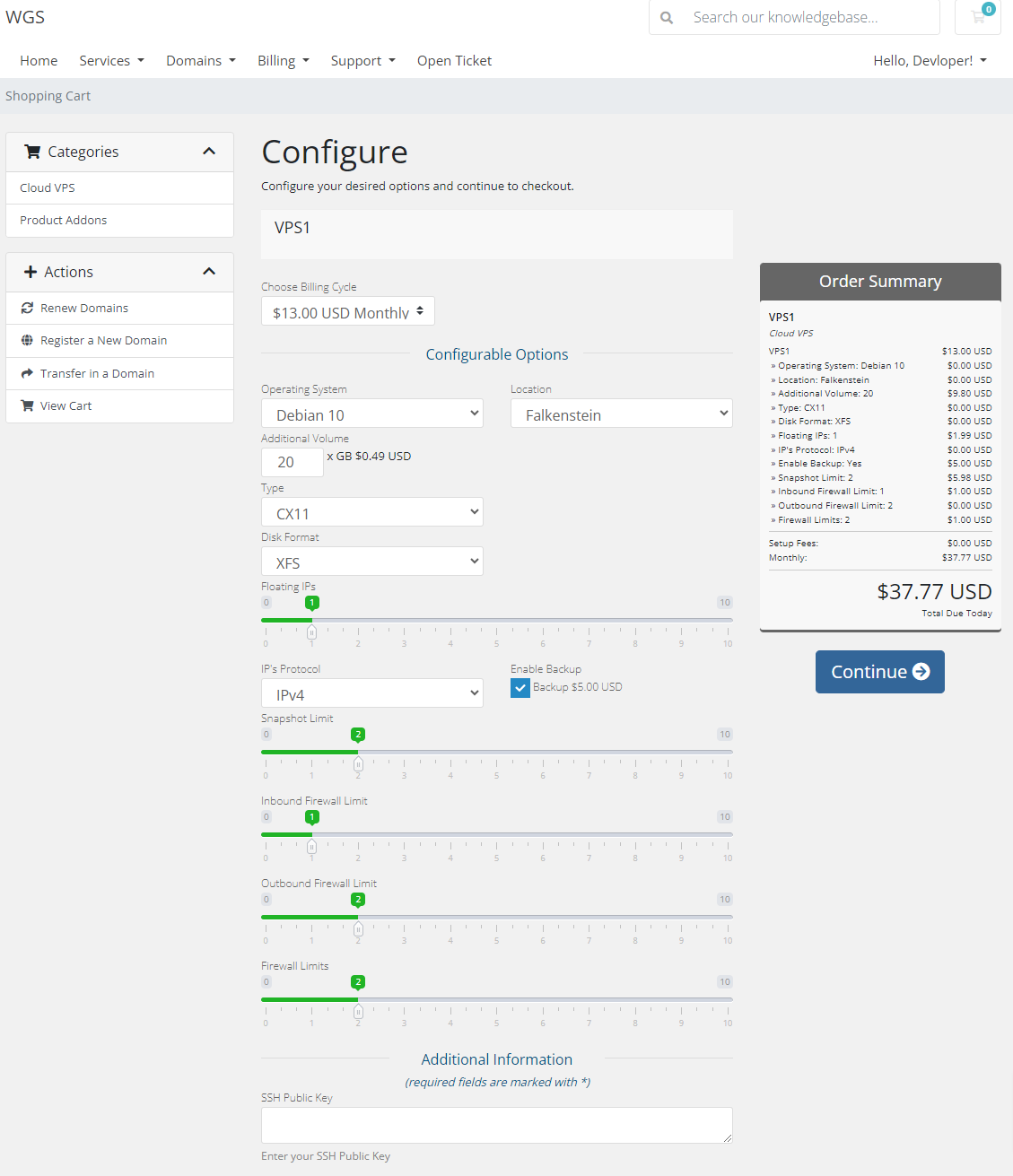
- Set SSH Key During Order
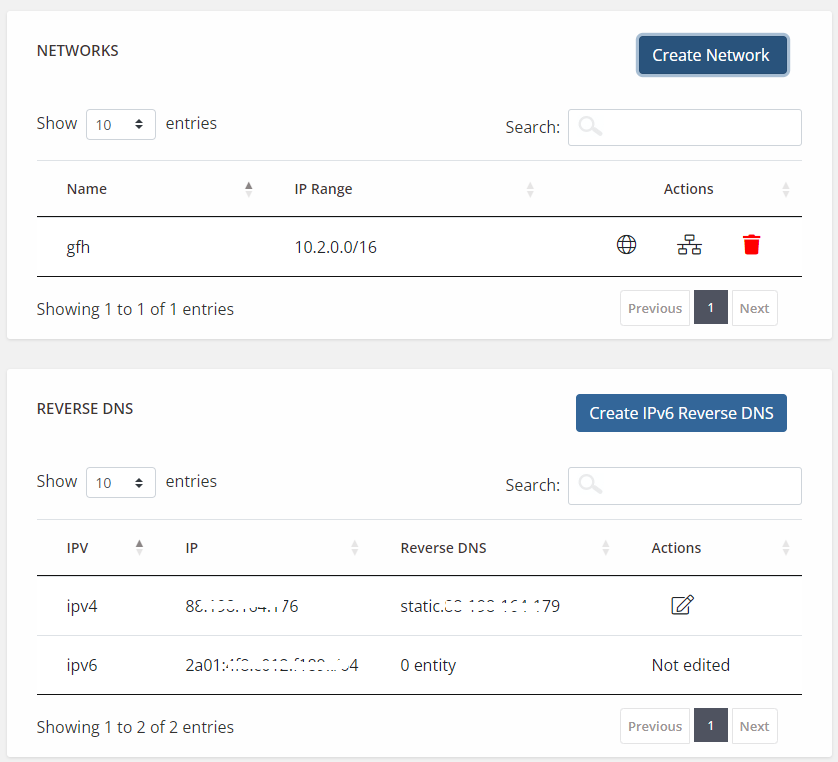
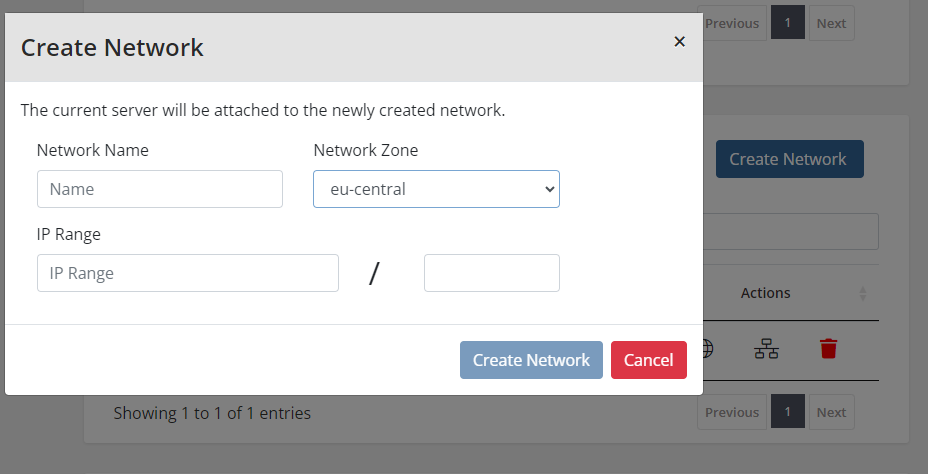
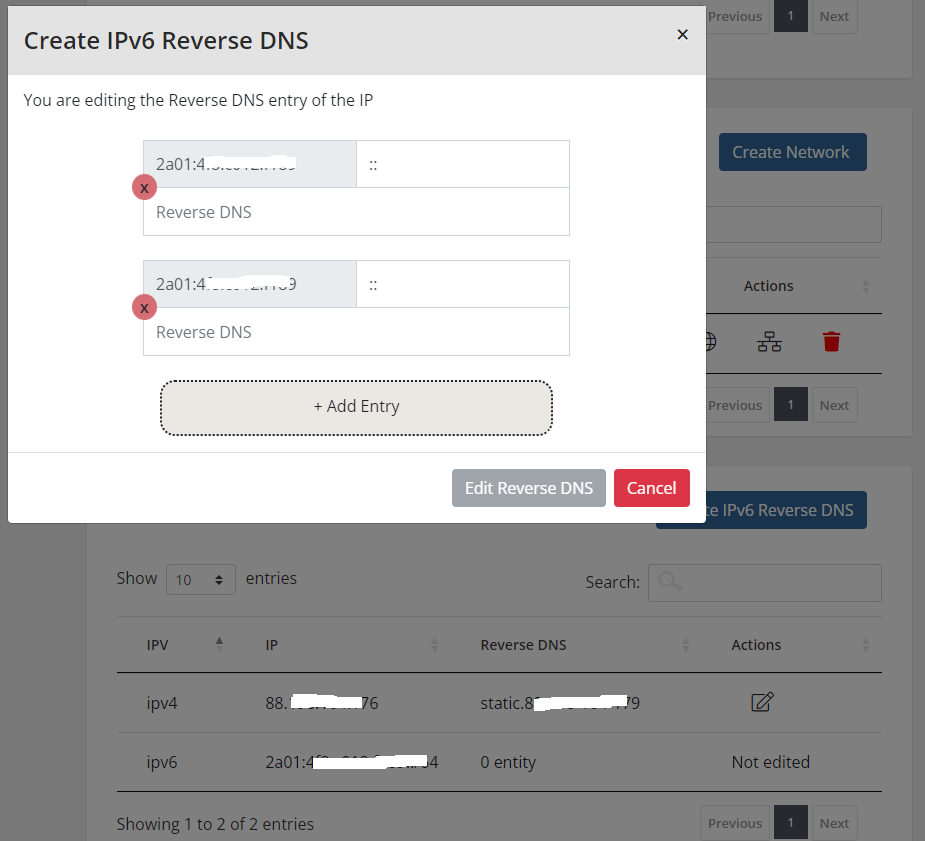
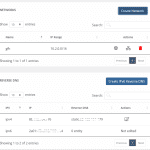
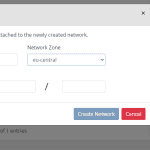
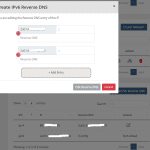
- Create/Manage Network and IPv6 Reverse DNS Records
- Manage Backups and Snapshots
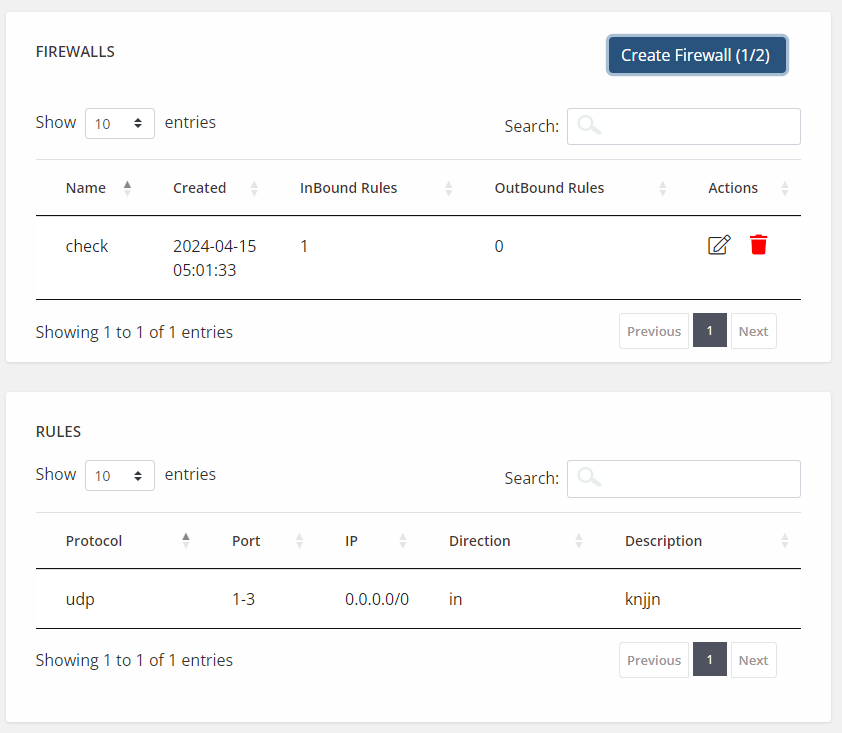
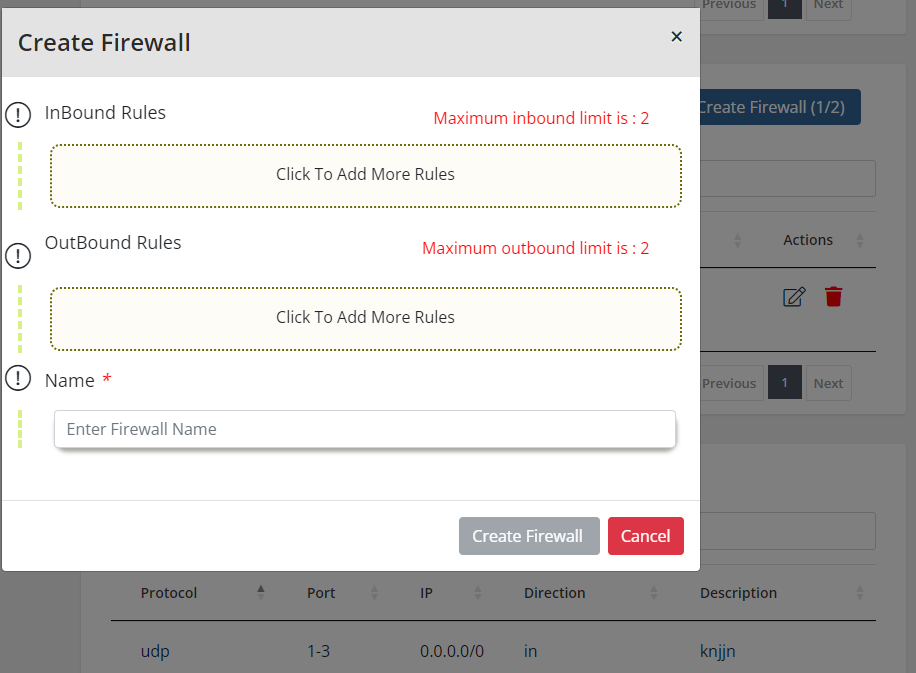
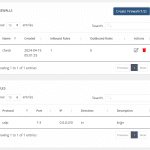
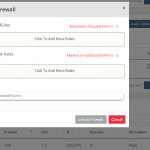
- Manage Firewall and Firewall rules
- View SSH detail
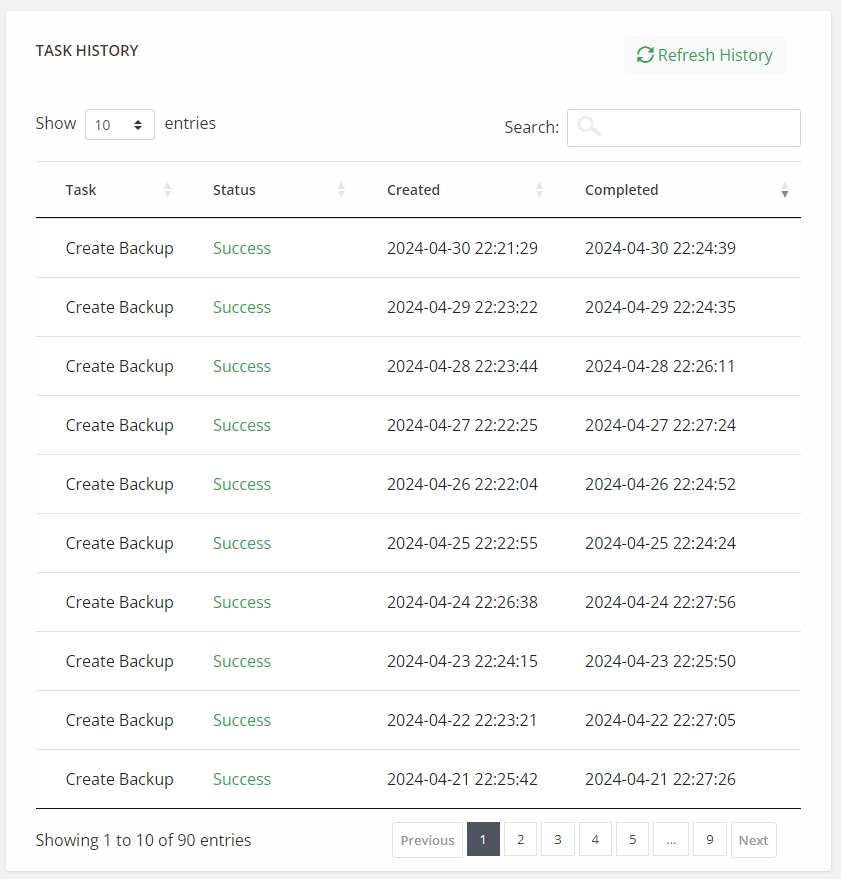
- View Server Task History
- Monitor Graphical Usage
- Upgrade or Downgrade Server or VM
Your questions, our answers
It connects your WHMCS to Hetzner Cloud so you can sell cloud servers and let clients manage them from the client area.
Yes. After the order is paid, the module creates the server. If the service is not renewed, it can suspend that server.
They can reboot, reset, rescue, and rebuild the server, manage floating IPs, watch bandwidth, and open the console.
Yes. If the client does not renew, the module can suspend the server.
Yes. Backups and snapshots, floating IPs, and remote console access are available from the client area.
You sell them as your own products in WHMCS. The server is still created on your Hetzner account.
WHMCS 8.x to 9.x and PHP 8.1 to 8.4.