10 Days money back guarantee
Free Module Updates
One-Click Upgrade
Easy Third Party Integration
Access To Premium Offers
Multi-Level Tech Support
10 Days Money Back Guarantee
Development licence available for 30 Days on demand only
10 Days money back guarantee
Free Module Updates
One-Click Upgrade
Easy Third Party Integration
Access To Premium Offers
Multi-Level Tech Support
10 Days Money Back Guarantee
Development licence available for 30 Days on demand only
Module Overview
The WHMCS Zoho Books Module seamlessly connects your WHMCS billing system with Zoho Books, enabling accurate, real-time accounting with minimal manual effort.
The module automatically synchronizes clients, invoices, orders, and transactions between WHMCS and Zoho Books, helping you maintain clean, up-to-date financial records while saving valuable time.
Built for hosting providers, SaaS businesses, and service-based companies, this integration eliminates duplicate data entry and ensures every financial activity in WHMCS is instantly reflected in Zoho Books. With robust automation, flexible import and export options, and detailed activity logs, you retain full visibility and control over your accounting workflows.
Whether you are onboarding new clients, syncing historical data, or managing multi-currency transactions, the WHMCS Zoho Books Module delivers a reliable, scalable solution for streamlined and efficient financial operations.
Key Features of Zoho Books Integration

Automatic Data Synchronization
Automatically sync WHMCS data to Zoho Books when a new client registers, invoice is created, new order is placed, invoice is marked as paid. This ensures your Zoho Books account always reflects the latest WHMCS activity without manual intervention.

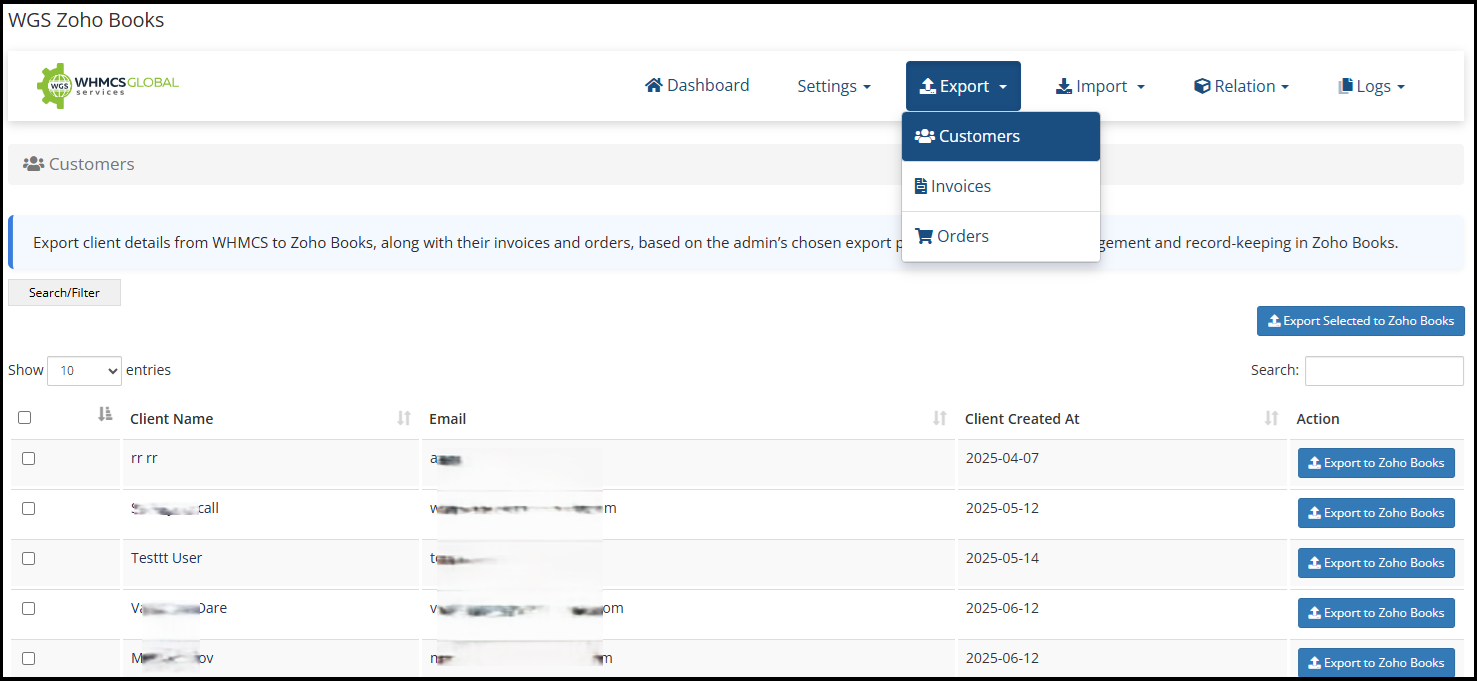
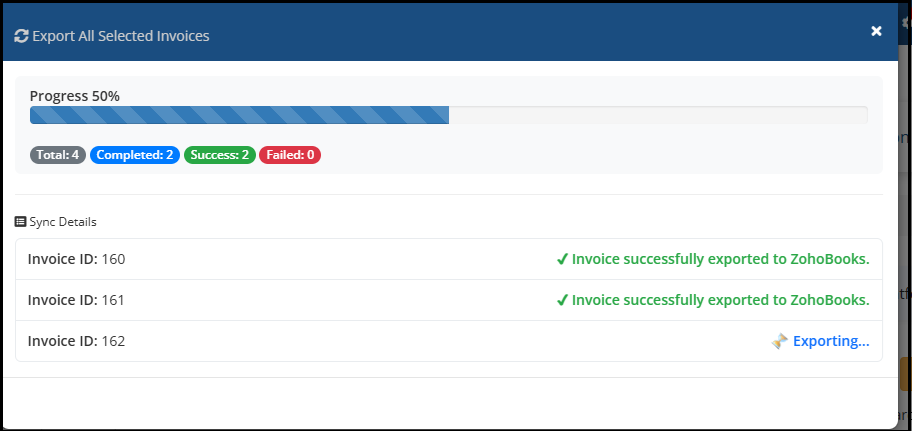
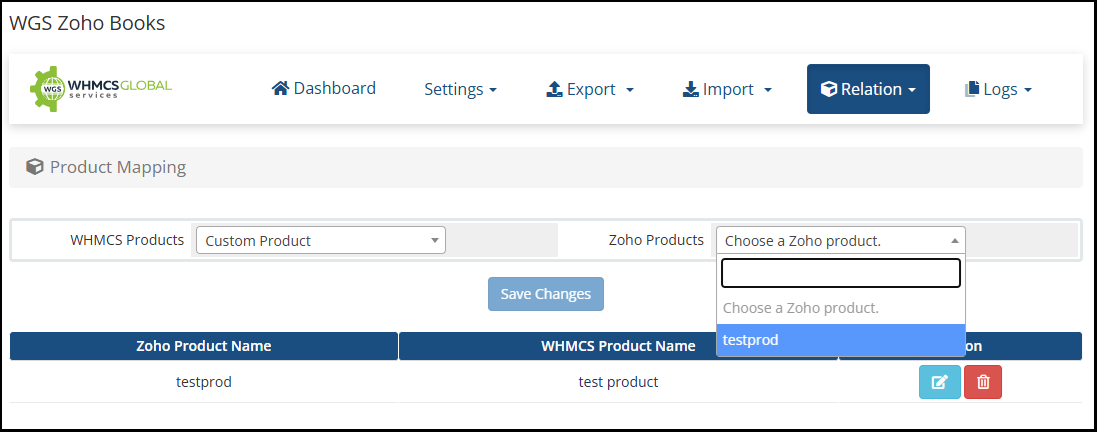
One-Click Export to Zoho Books
Quickly export WHMCS data like clients, invoices, orders to Zoho Books with just a few clicks. Ideal for initial setup or manual synchronization when required.

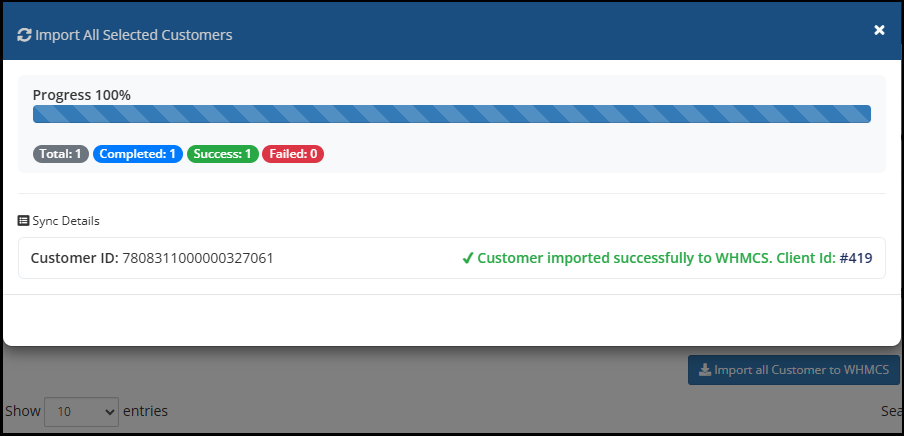
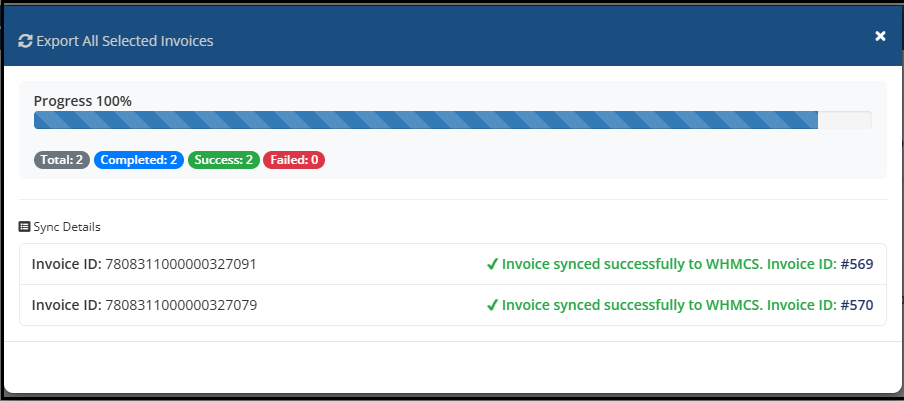
One-Click Import to WHMCS
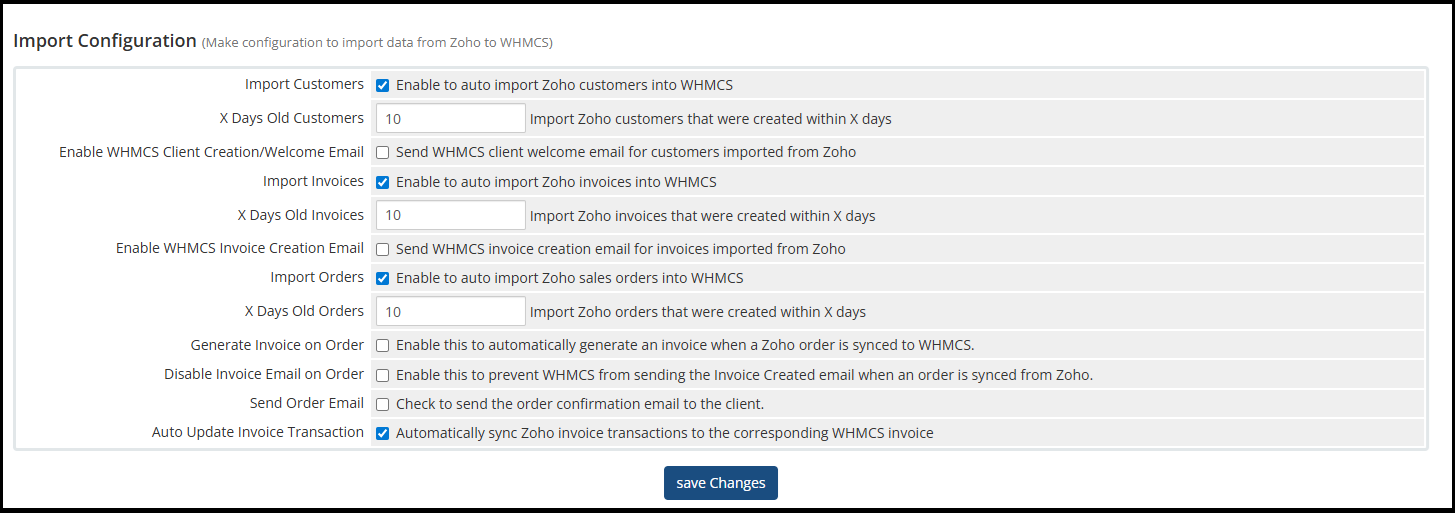
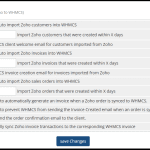
Quickly import Zoho data like clients, invoices, orders to WHMCS with just a few clicks. Ideal for initial setup or manual synchronization when required.

Real-Time Synchronization
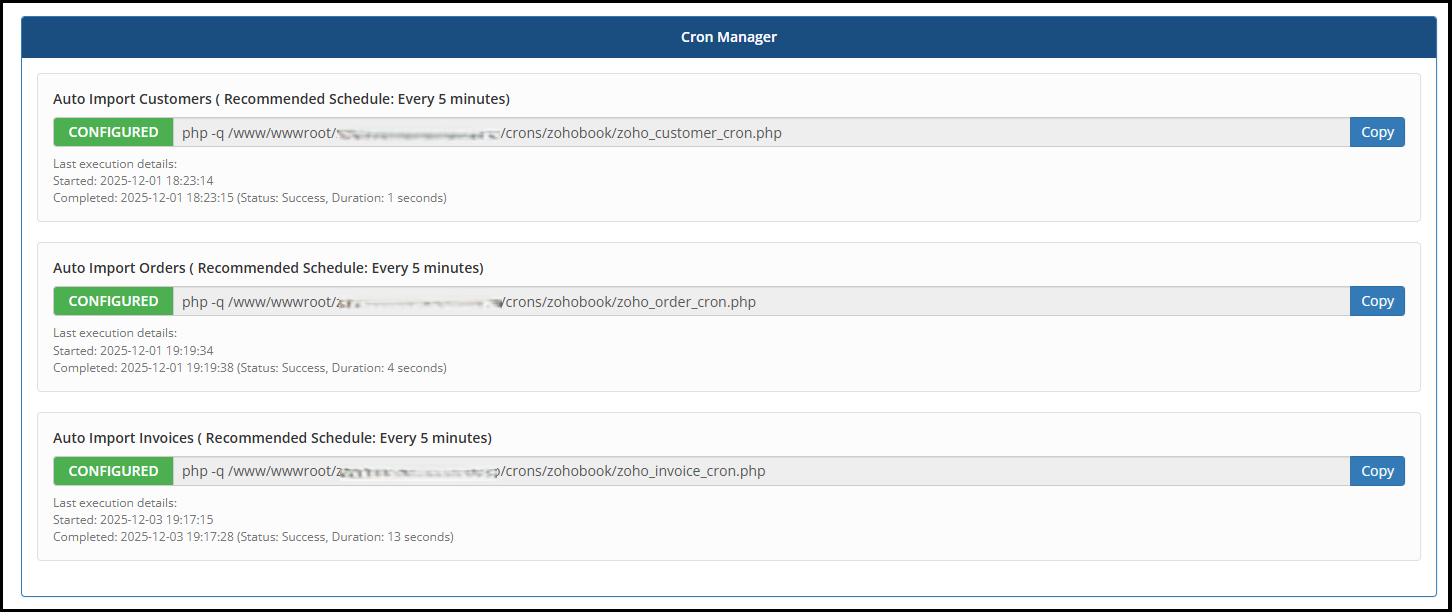
Ensure near real-time data consistency between WHMCS and Zoho Books, minimizing delays and reducing the risk of accounting discrepancies. Whenever new client, invoice, order will be generated at same time module will auto sync to Zoho Books and also import Zoho Books data to WHMCS using cron job.

Synchronized Client Deletion
Maintain clean and accurate records with automatic client deletion sync. When a client is removed from WHMCS, the corresponding record is also handled appropriately in Zoho Books, keeping both systems aligned.

Currency Synchronization
Keep accounting accurate with synchronized currency settings between WHMCS and Zoho Books. It prevents currency mismatches, Ensures accurate financial reporting, Supports compliance and consistent transaction records.

Existing Data Sync
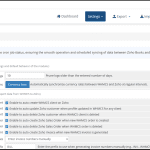
Easily synchronize your existing WHMCS data with Zoho Books using powerful bulk import and export tools. This feature allows you to quickly transfer historical data without manual effort. This helps you align both platforms seamlessly and start using Zoho Books with complete and up-to-date records from day one.

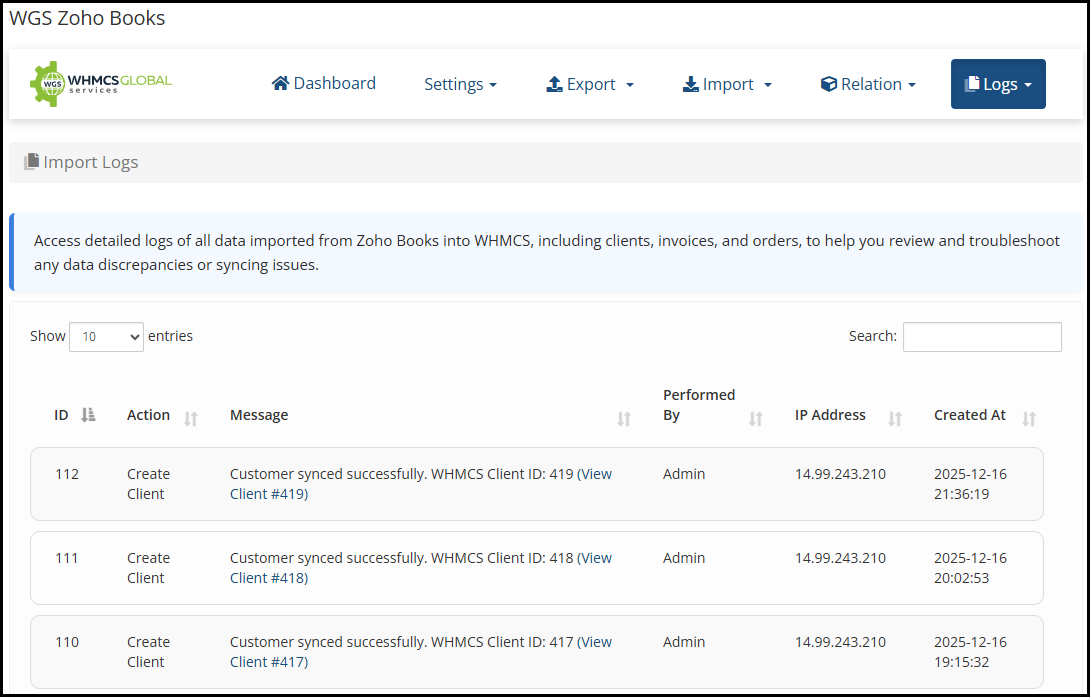
Comprehensive Logs & Monitoring
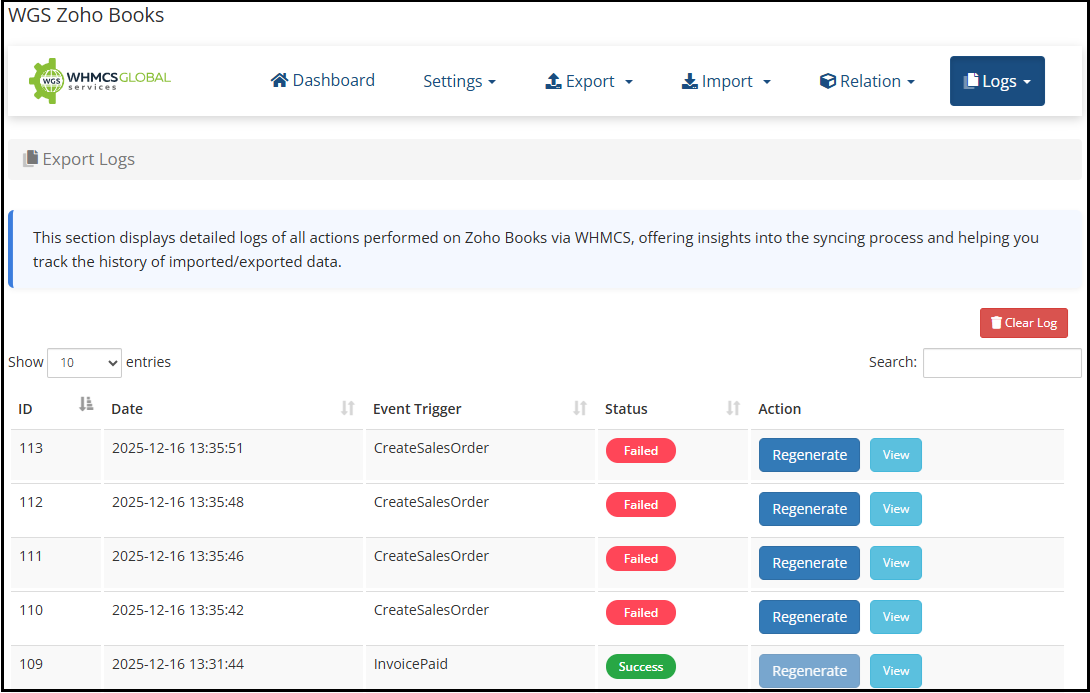
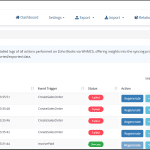
Access centralized, detailed logs for all import and export activities, giving administrators full visibility and confidence in data accuracy.

Automatic Old Log Pruning
Keep your system clean and optimized with automatic log pruning. The module allows you to configure log retention rules to automatically remove old import and export logs after a specified number of days
Your questions, our answers
The changes are instantly reflected in Zoho Books, ensuring both systems are always in sync.
Absolutely. You can bulk sync existing WHMCS clients, invoices, and orders to Zoho Books using the Existing Data Sync (Bulk Import & Export) feature, ensuring fast, optimized, and reliable data synchronization.
Yes, invoices created in WHMCS are instantly generated in Zoho Books, making sure your financial records are always updated.
Yes. Zoho Books supports multi-currency transactions. Customers can be invoiced and make payments in currencies such as USD, EUR, GBP, AUD, CAD, and others, while your accounting records remain in your configured base currency.
When an invoice, payment, credit note, or transaction is synced from WHMCS, Zoho Books records both:
The original transaction currency and amount.
The converted amount in the organization’s base currency.
The exchange rate used is determined by Zoho Books based on its configured currency settings.
The invoice will be synced to Zoho Books in the original transaction currency (USD). Zoho Books will automatically convert the transaction value to your base currency (INR) using the applicable exchange rate for accounting and reporting purposes.
No problem. Each customer can have their own default currency. WHMCS will sync invoices and payments in the customer’s currency, while Zoho Books automatically converts and records the transaction in the organization’s base currency.
No. The module syncs the original transaction details from WHMCS. Currency conversion, exchange rate management, and foreign exchange gain/loss calculations are handled by Zoho Books.
The client’s records will also be removed from Zoho Books, maintaining data consistency across both platforms.
No. We recommend syncing invoices and payments in their original currency. This ensures accurate foreign currency accounting, proper exchange rate tracking, and automatic gain/loss calculations within Zoho Books.
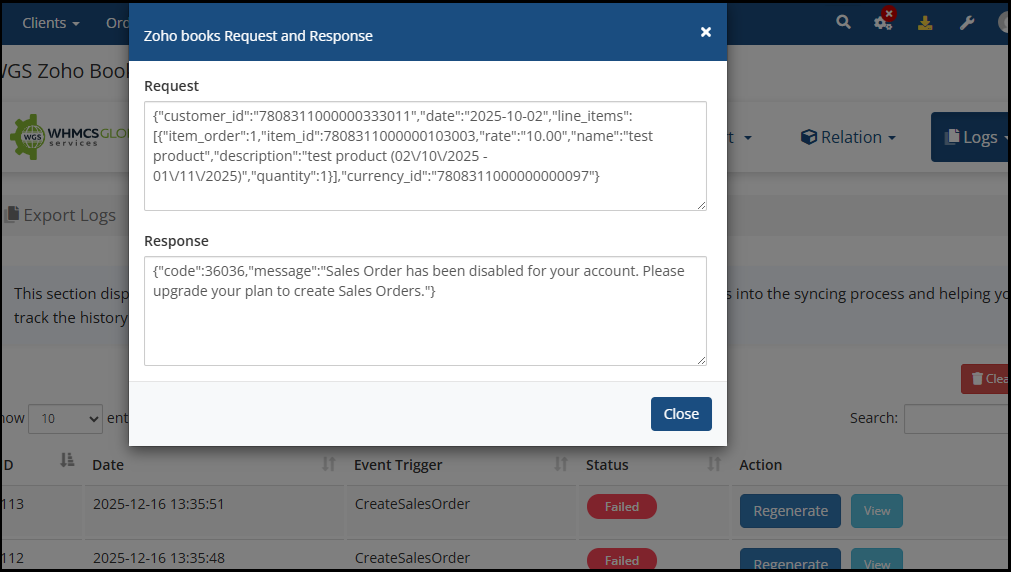
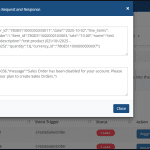
Yes, detailed logs are available for all API requests and actions, providing a clear audit trail.
Yes. Currency settings are synchronized between WHMCS and Zoho Books to avoid mismatches and ensure accurate accounting and reporting.
Cron jobs are optional but recommended. When enabled, cron ensures automated and scheduled synchronization without manual intervention.
Yes, the module supports automated synchronization, allowing client, invoice, order, and transaction data to stay up to date without manual intervention.
No. The module is designed to be easy to install and configure. Most users can complete the setup by following the provided documentation. The configuration primarily involves connecting your Zoho Books account, selecting synchronization settings, and mapping the required data fields. If needed, our support team can assist with the installation and initial setup process.
Yes. The module supports importing historical data from WHMCS into Zoho Books. You can synchronize previous invoices, clients, payments, credit notes, and other supported records from past years. This allows you to migrate existing accounting data to Zoho Books and maintain a complete financial history. The amount of historical data that can be imported may depend on your Zoho Books plan limits and API usage allowances.
Yes, the module supports recurring billing workflows, ensuring recurring invoices and related data are accurately synchronized with Zoho Books.
Yes, with built-in currency synchronization, the module ensures accurate accounting for businesses operating in multiple currencies.
The Zoho Books WHMCS Module is ideal for web hosting companies and digital service providers using WHMCS who want automated, accurate, and reliable accounting integration with Zoho Books.