$169.00
$118.30
Order now
10 days money back guarantee
Refund is not applicable on renewals.
Trial license not available
Free modules updates till license is active
Free support till license is active
Development License available for 30 Days on demand only
$999.00
$699.30
Order now
Google Cloud VPS Module for WHMCS
The VPS Google Cloud Module helps to fully automate and control the Google Cloud instances directly on WHMCS. This module is best suited for users looking to automate Google cloud server and to navigate and manage the status of virtual machines end-to-end.
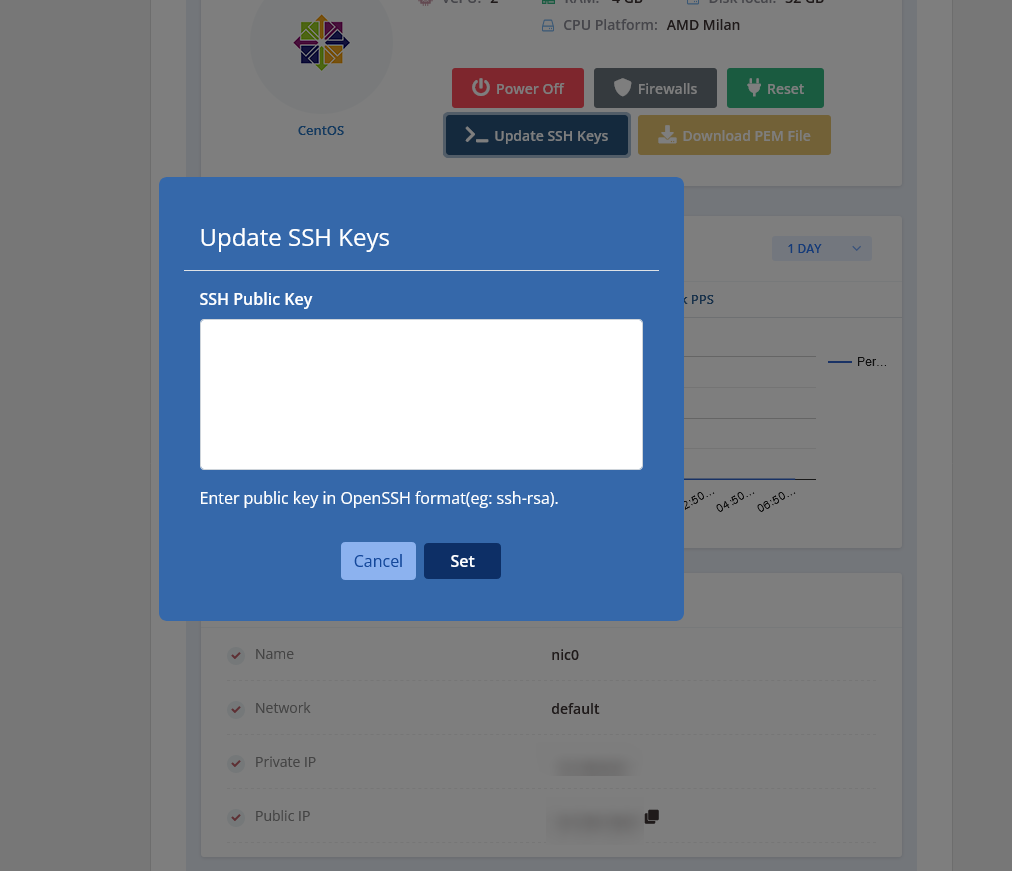
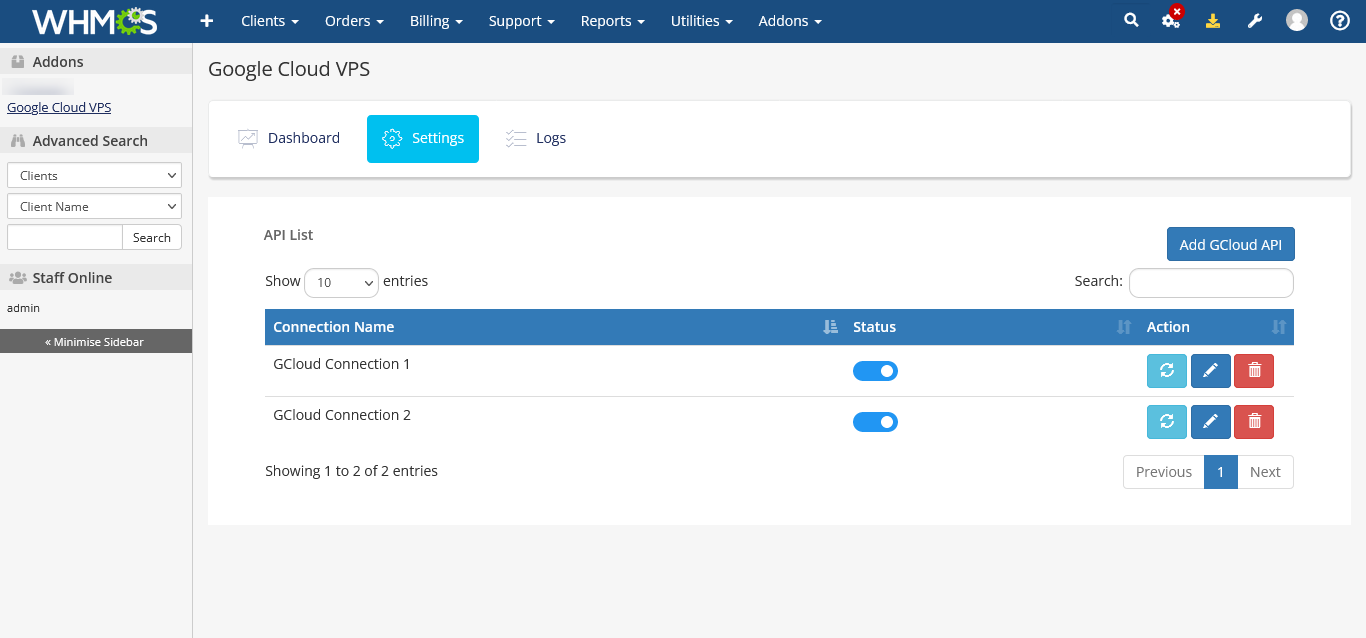
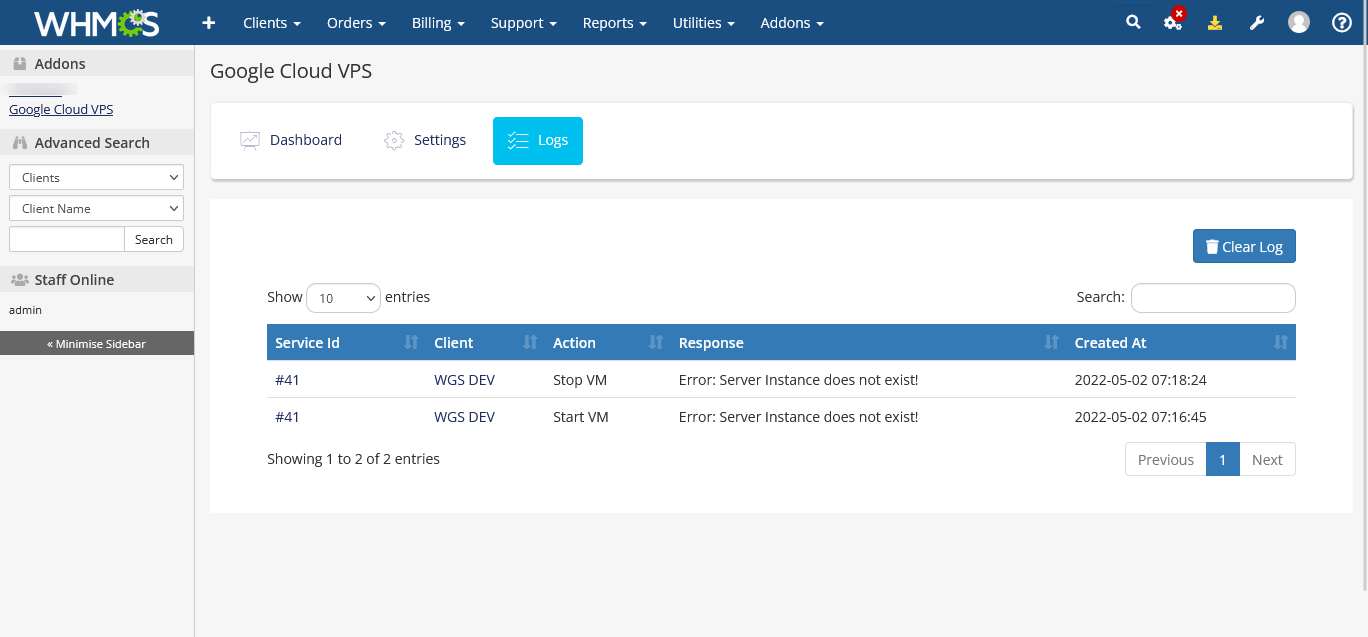
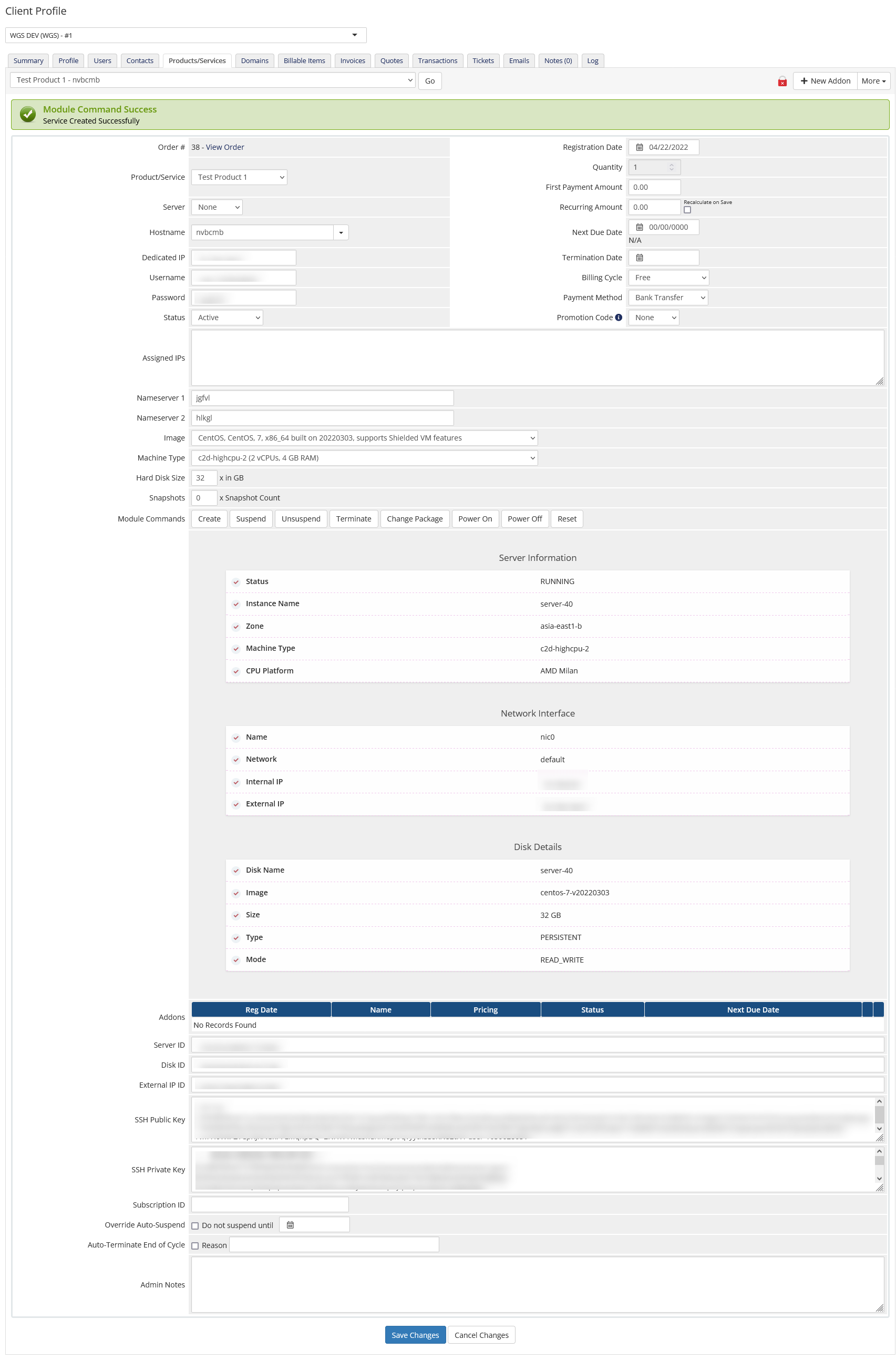
As an administrator, you can access the control panel features, view VM logs, add multiple Google API accounts, and modify resources including regions, images, disk type, zone, etc. through the WHMCS admin area. Additionally, the Google VPS cloud module also empowers your clients to start/stop/reboot servers, update SSH key, reset Windows server password and helps to get detailed information about the servers including the status and IP addresses. To efficiently run your business, use Google Cloud VPS Module to supervise, control and automate every single virtual machine instance.
Google Cloud Feature List

Auto-Provisioning
Start automatically VM provisioning when a customer purchases a new VM service from your website.

Configurable Options
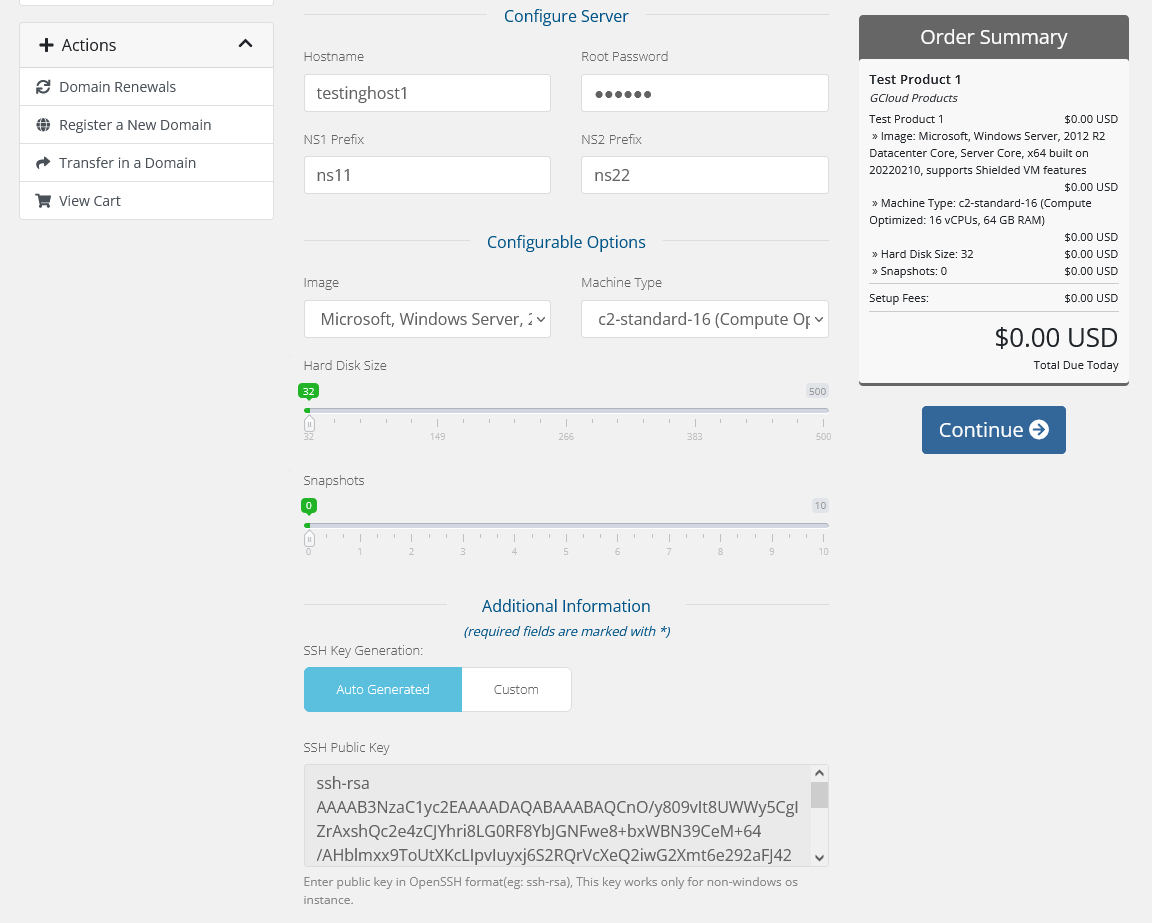
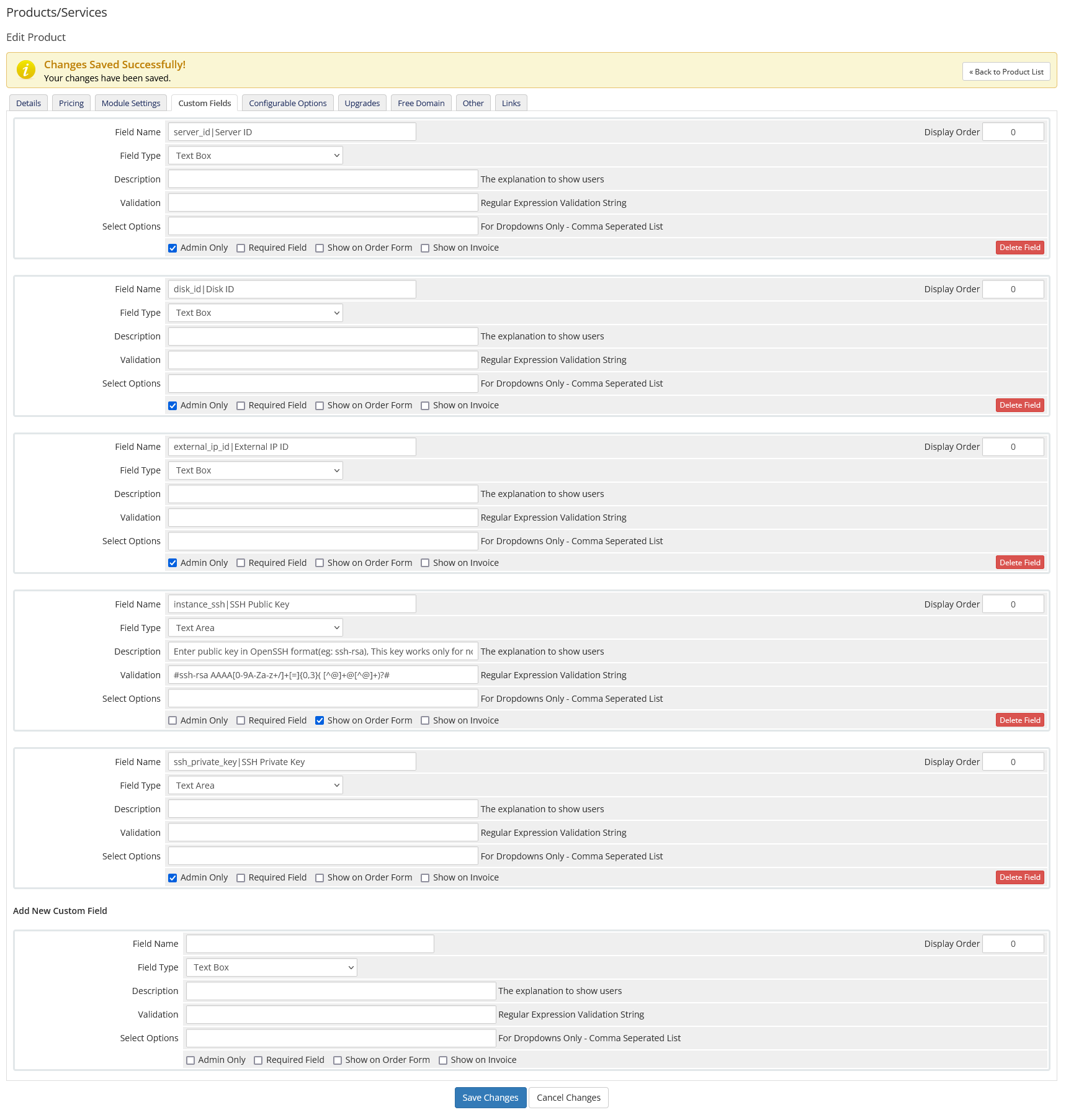
Automatically creation of required product configurable options with product and provision the VM using these configurable options.

VM Management Feature
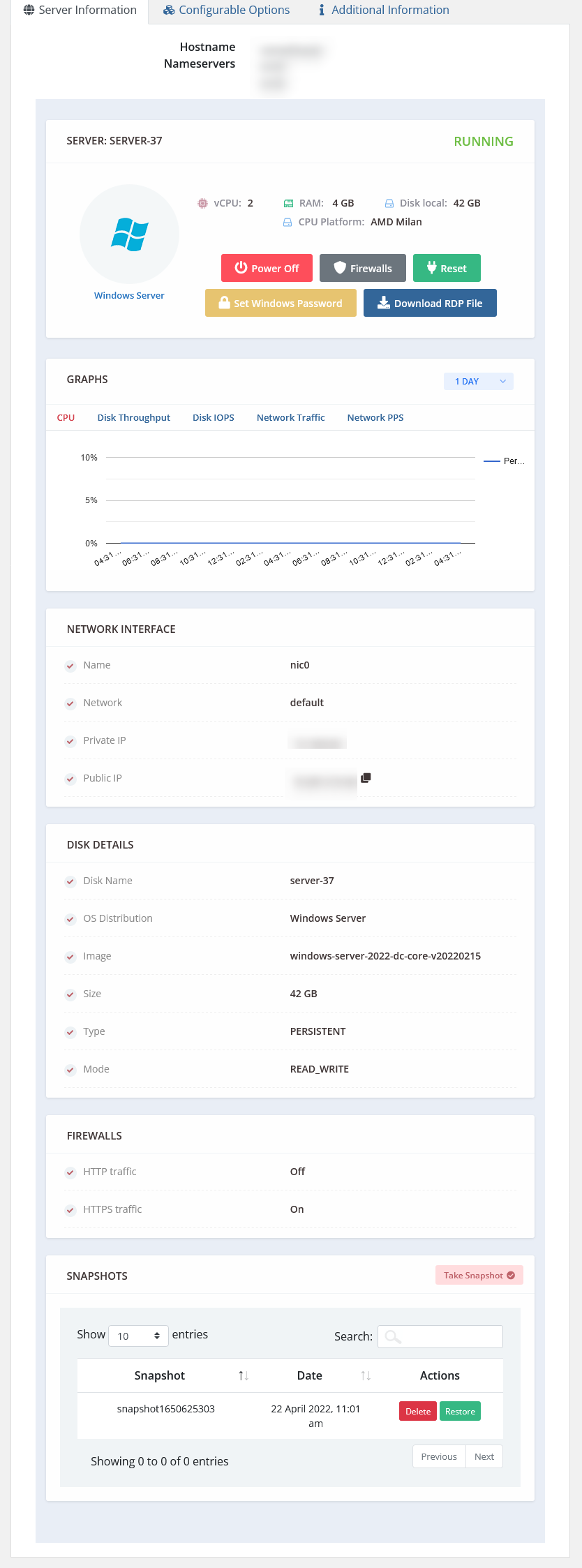
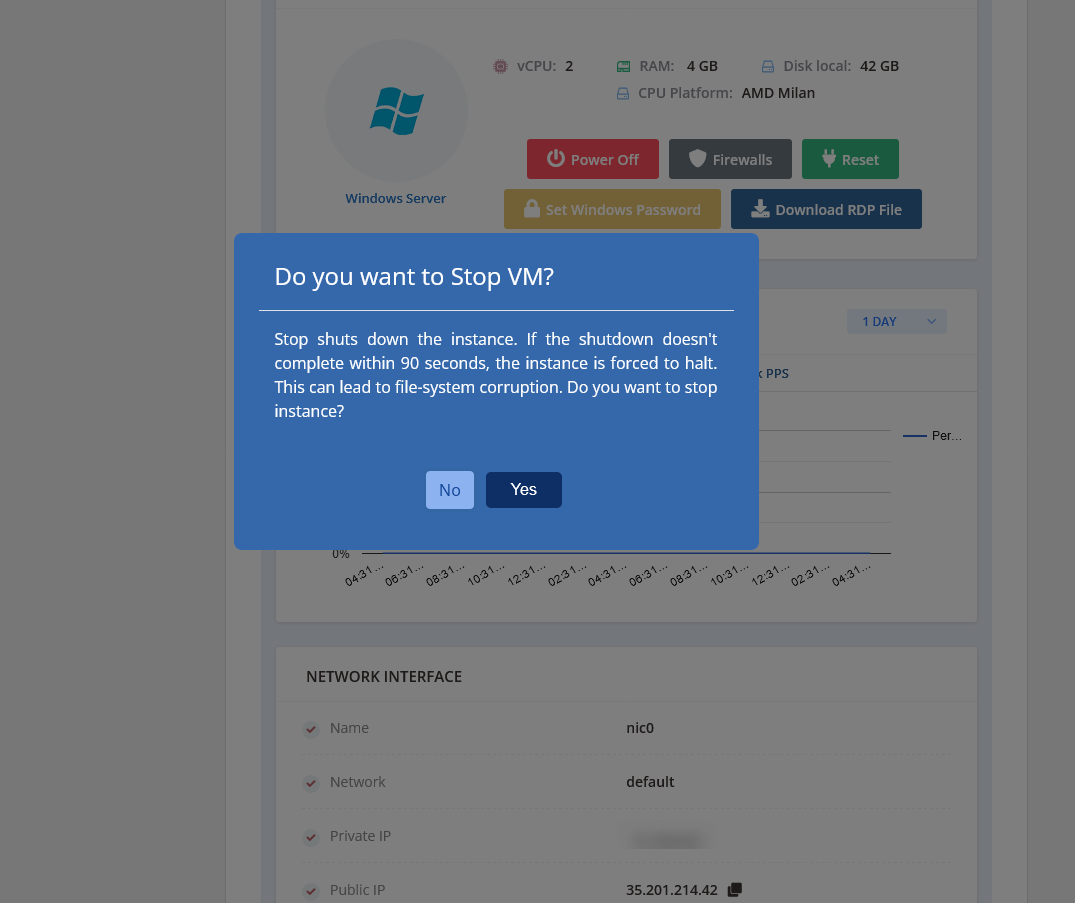
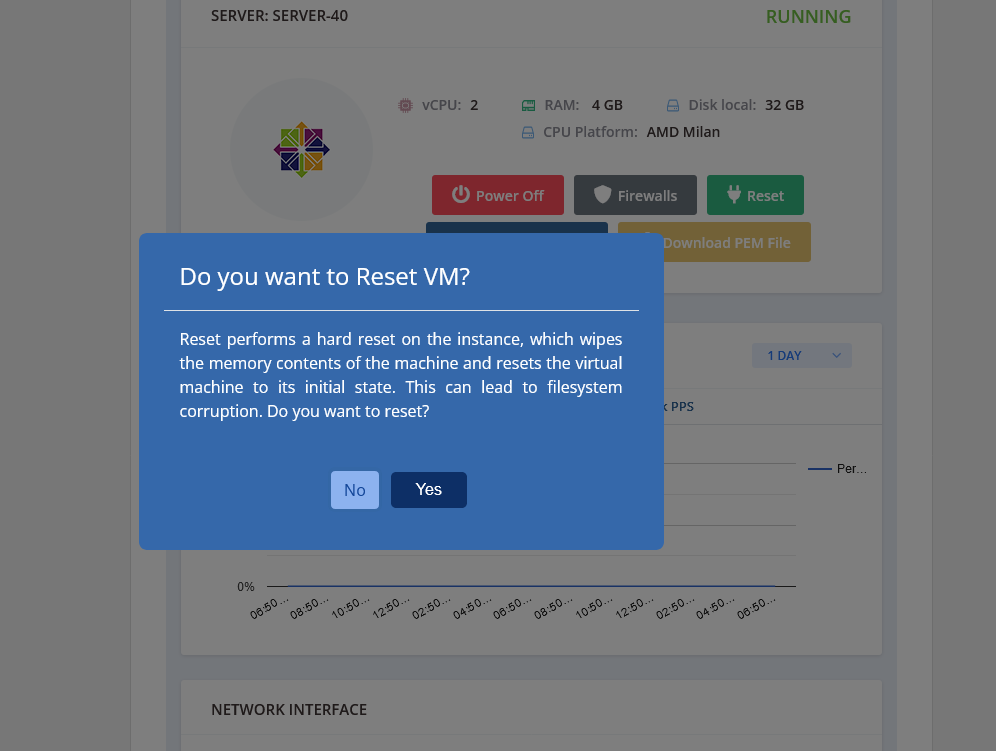
Offering rich client panel VM management features to start, stop, reset, snapshots, and change SSH Keys and windows passwords from client area.

Restore
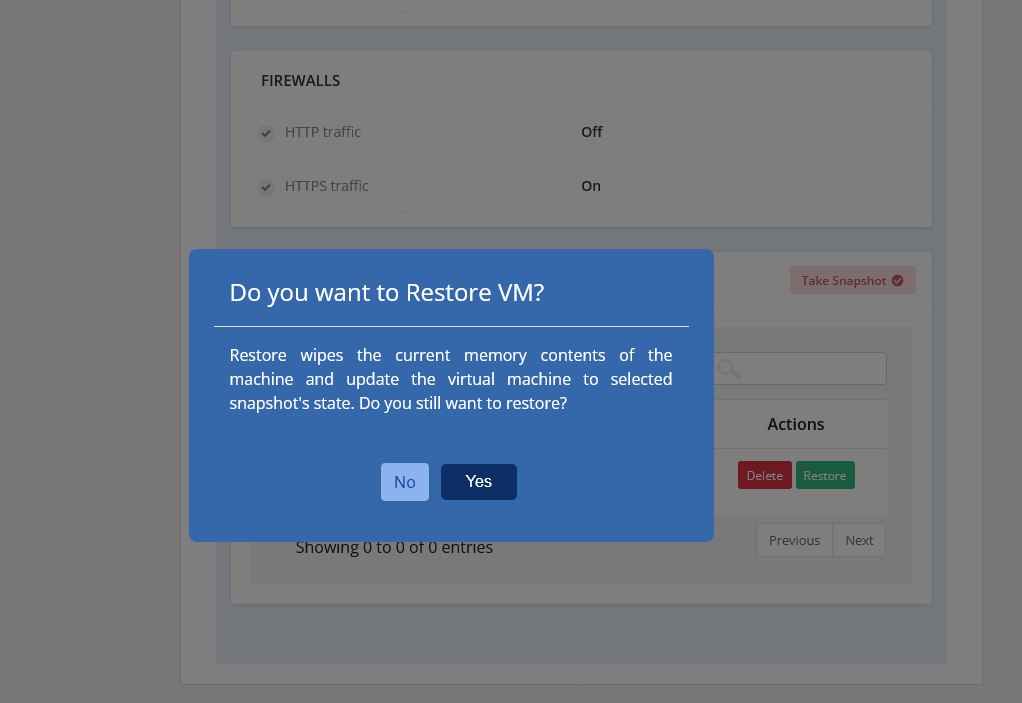
Google VPS hosting allows your clients to restore VM using snapshot.

Statistical Graphs
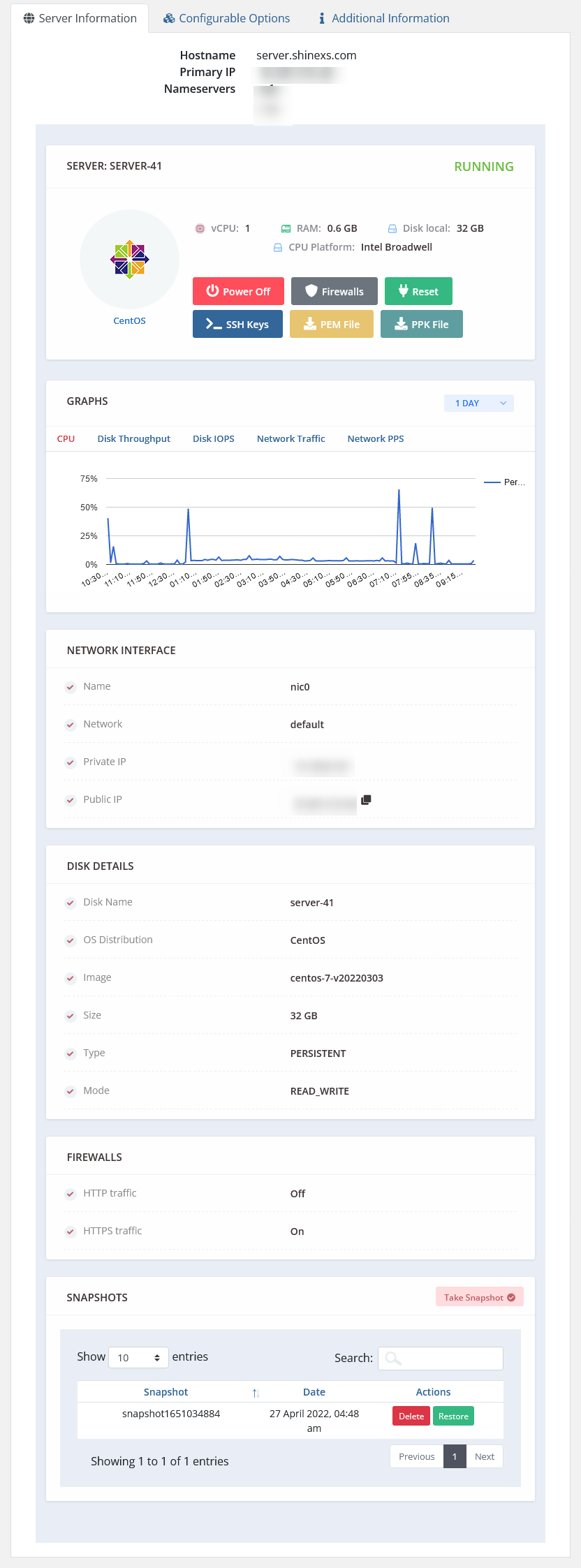
With Google VPS Cloud Module, your customers can see their VM stats graphs like CPU, Disk Throughput, Disk IOPS, Network Traffic and Network PPS.

ACL Groups
ACL setting to manage client area services tab like option to permit or deny features in the client area for specific service

Snapshots
Google server VPS module allows to create/delete snapshots and restore VM using the snapshots.

Firewalls
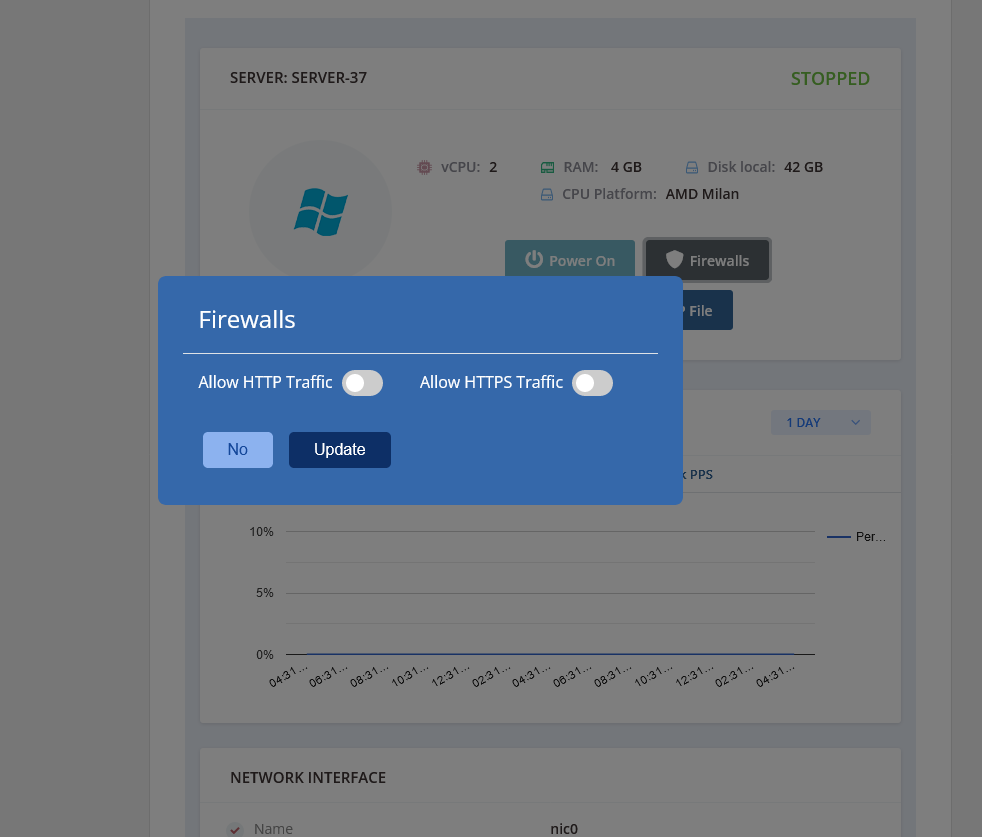
Google server VPS Allows changing VM’s firewall settings.

SSH Keys / Windows Password
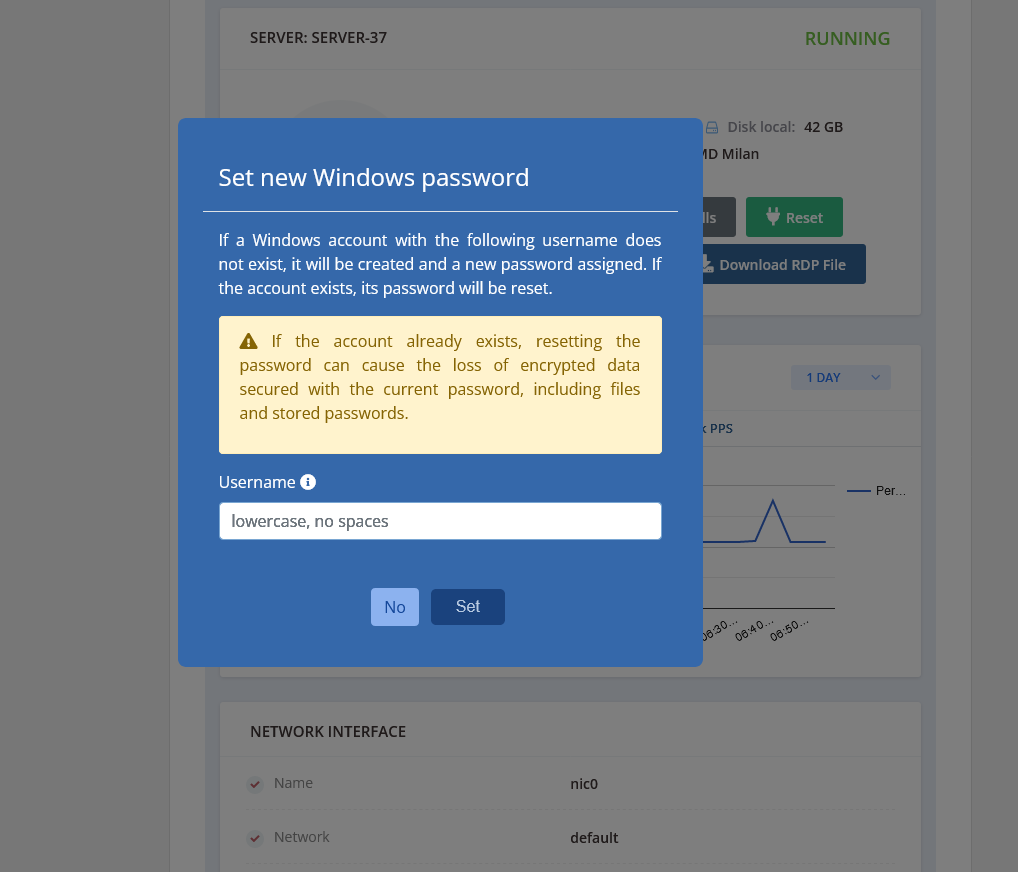
Allows changing SSH keys for Linux VMs and windows passwords for Windows VM.
Benefits to Admin and their Clients
Admin
- Add multiple Google Cloud API accounts and assign them with WHMCS products
- Test connection for specific added Google Cloud API account
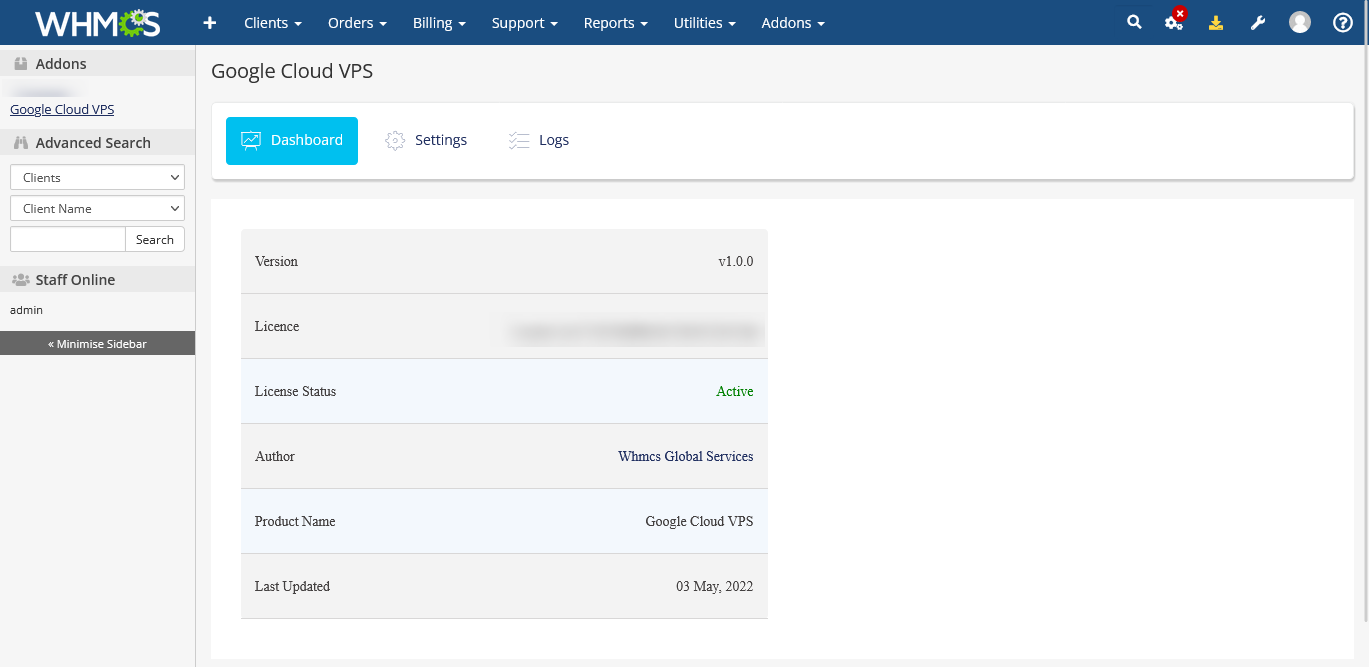
- View module activity logs in addon module
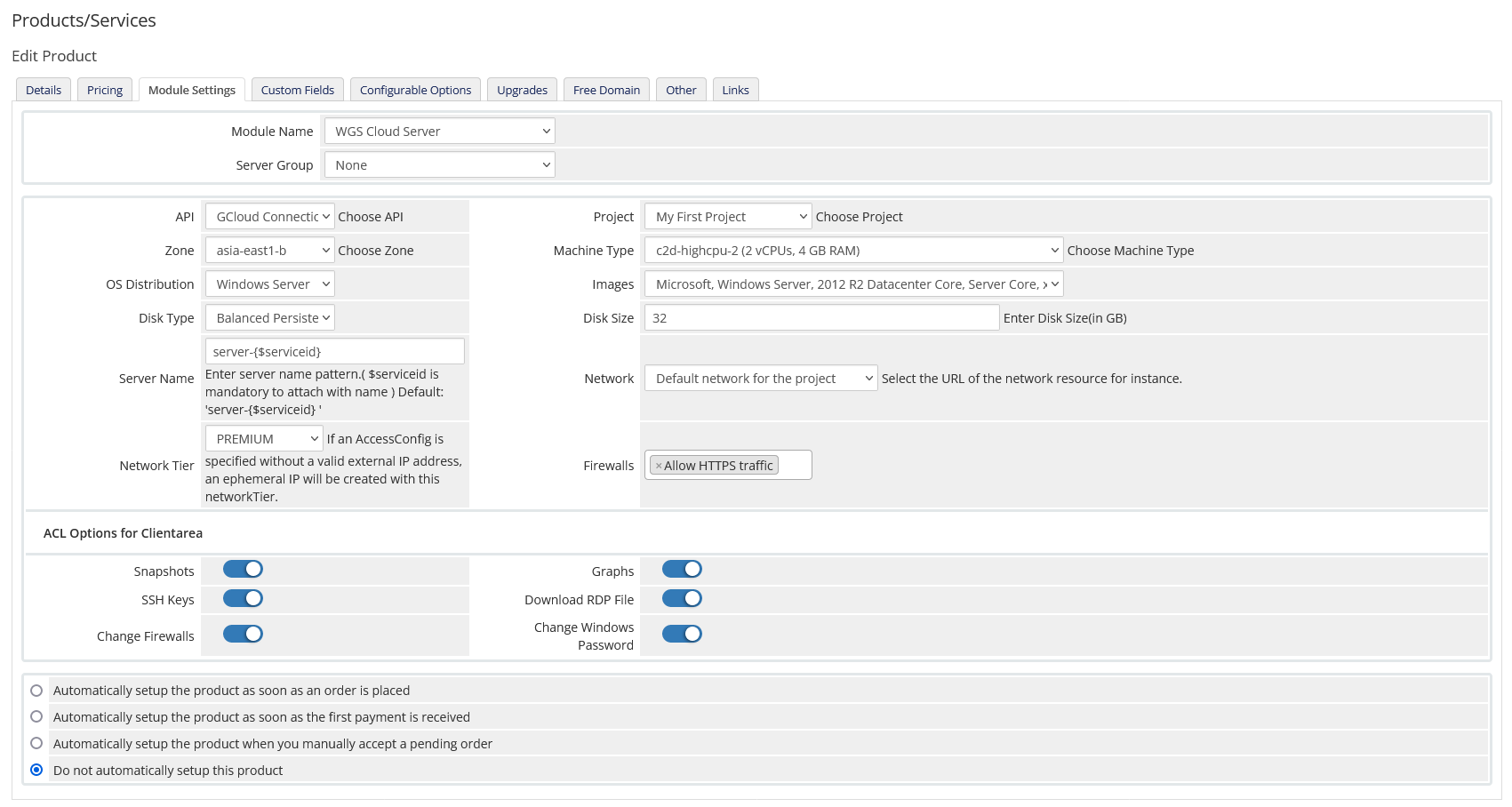
- Product configuration setting for server provisioning
- Auto create product configurable options like
- Choose Image
- Machine Type
- Hard Disk Size
- No. Of Snapshots
- Create Server
- Suspend Server
- Unsuspend Server
- Terminate Server
- Start/Stop/Reset Server
- Terminate Server
- Change package (Disk Size, Snapshot count, Machine Type)
- View assigned Private and Public IP Addresses
- ACL Setting to enable/disable clientarea features like Snapshot/Firewall/SSH Keys/Graphs/Download RDP files/Change Windows Password
- View server/network/disk information in admin
Client
- Option to create auto generate new SSH key or enter custom SSH key during order
- View Server/Network/Disk information
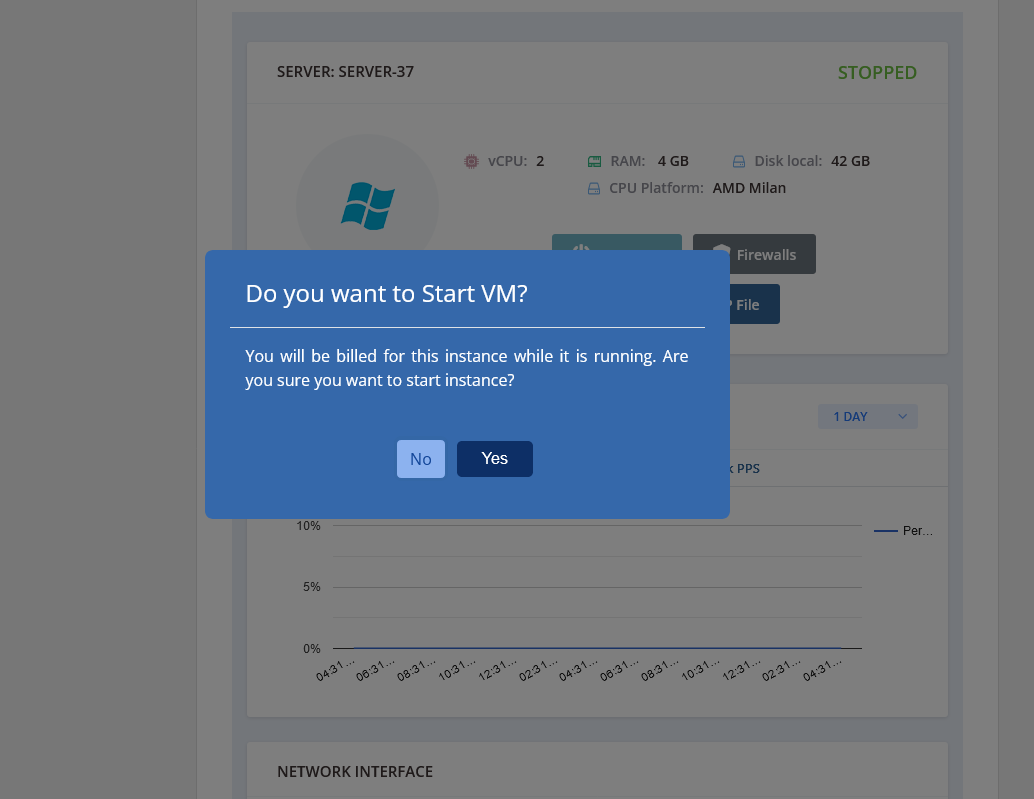
- Start/Stop/Reset Server
- Change Windows password
- Download RDP file
- Download Pem/PPK files for SSH connection
- Update new SSH key for Linux servers
- View assigned Private and Public IP Addresses
- Change VM’s firewall setting
- Manage Snapshots (Create/List/Restore and Delete)
- Restore VM using snapshots
- View Usage graphs for CPU/Network/Disk
Your questions, our answers
The Google Cloud VPS for WHMCS module is a powerful integration tool that allows you to offer Google Cloud Virtual Private Servers (VPS) to your clients through the WHMCS billing and automation platform. It facilitates seamless provisioning and management of Google Cloud VPS services.
The module provides a range of features, including the ability to provision Google Cloud VPS instances, automate billing and invoicing, manage server configurations, monitor server performance, handle suspensions and terminations, and enable clients to manage their VPS options from within the WHMCS client area.
To install the module, you can purchase it from WHMCS Global Services or their official website. Upon purchase, you will receive the module files along with installation instructions. Simply follow the provided instructions to upload the module files to your WHMCS installation and activate it through the WHMCS admin interface.
Absolutely! The module is specifically designed to support the reselling of Google Cloud VPS services. It enables you to offer Google Cloud VPS instances to your clients, set pricing and billing options, and automate the provisioning and management process, providing a complete solution for reselling Google Cloud VPS services.
The Google Cloud VPS for WHMCS module is a commercial module and may have a cost associated with it. For accurate pricing and licensing information, it’s recommended to check the WHMCS Global Services website or contact their sales team directly.
The module may offer customization options to varying degrees, depending on its developer and design. WHMCS is known for its flexibility and extensibility, so there may be options available to customize certain aspects of the module or integrate it with other WHMCS modules or extensions.