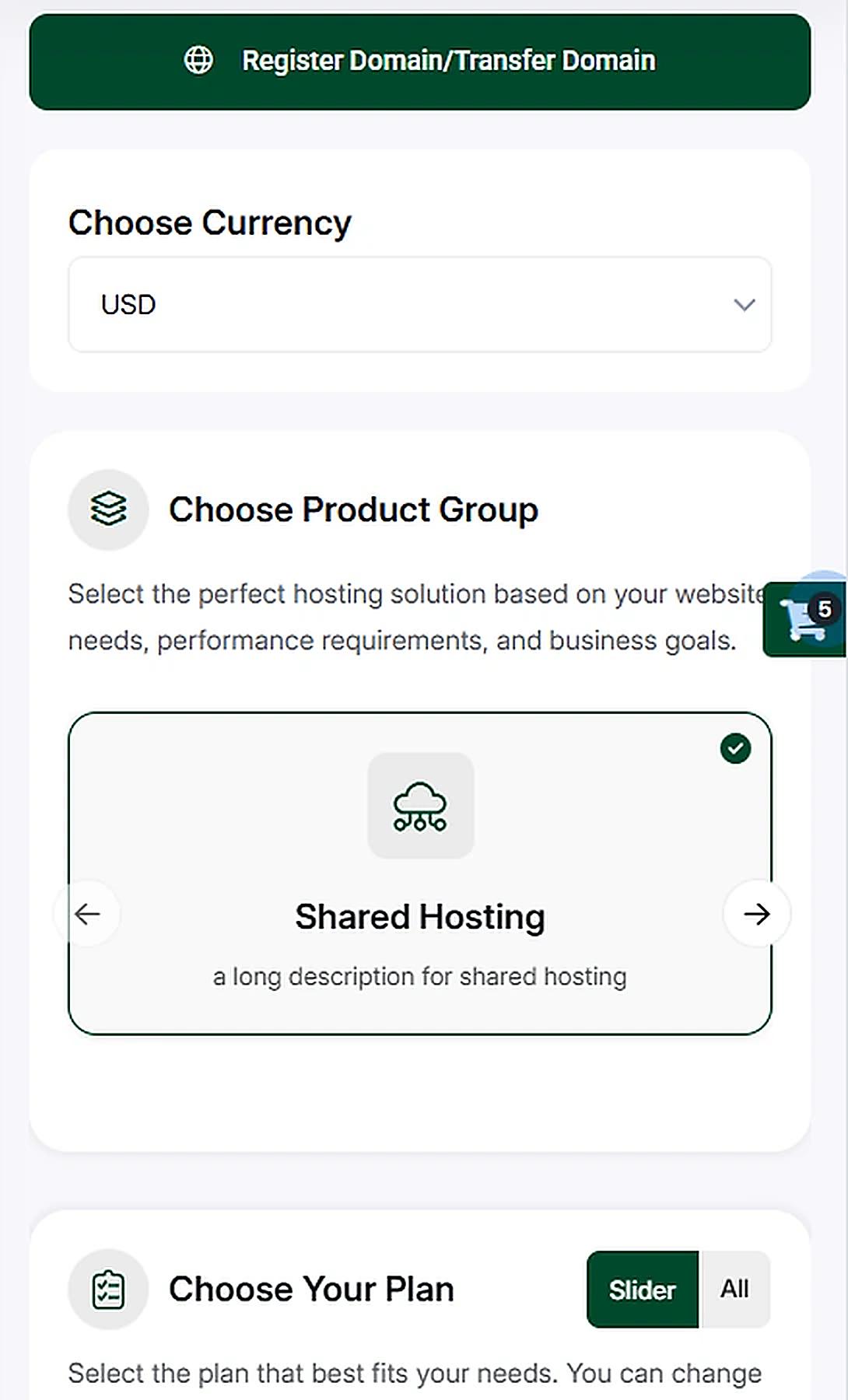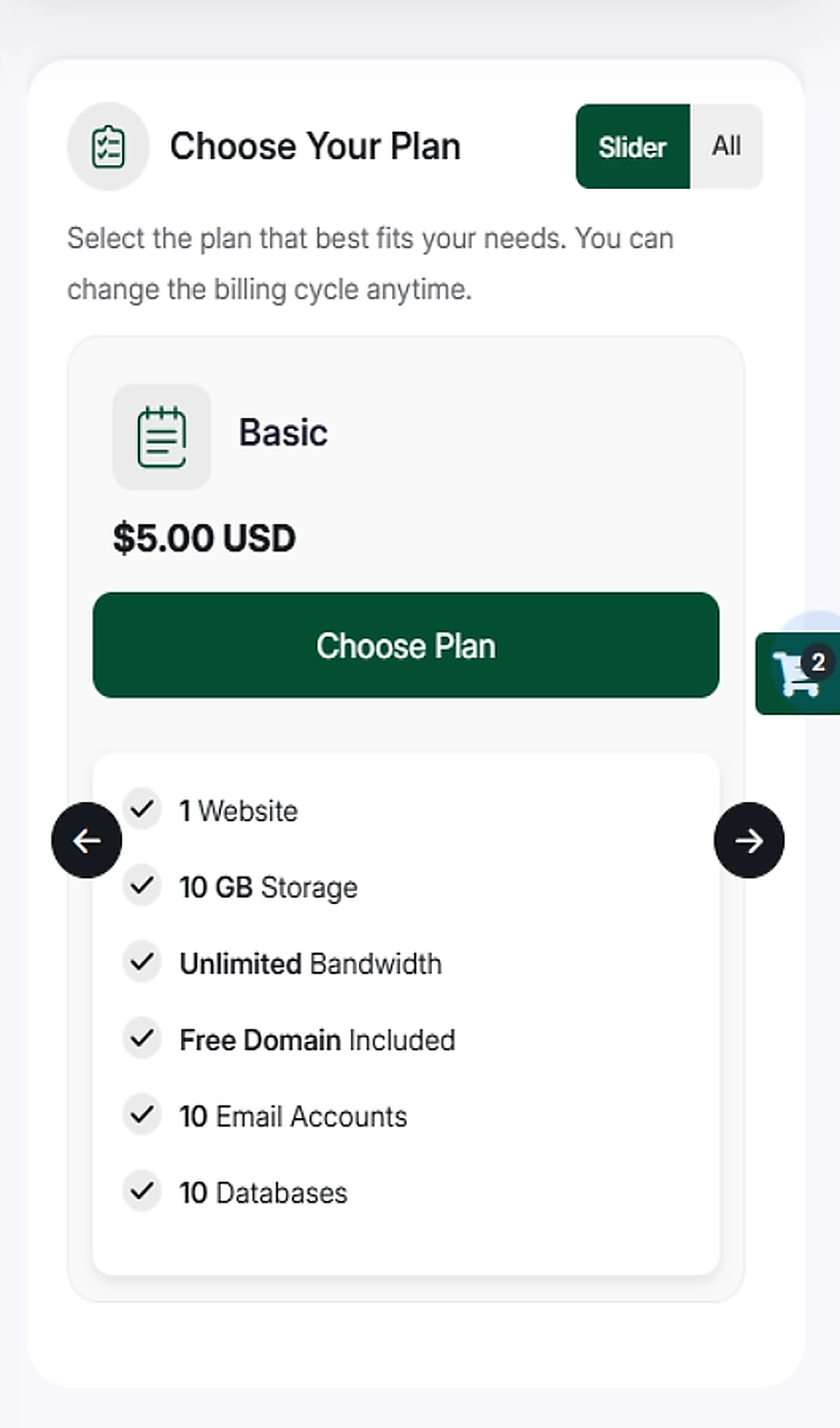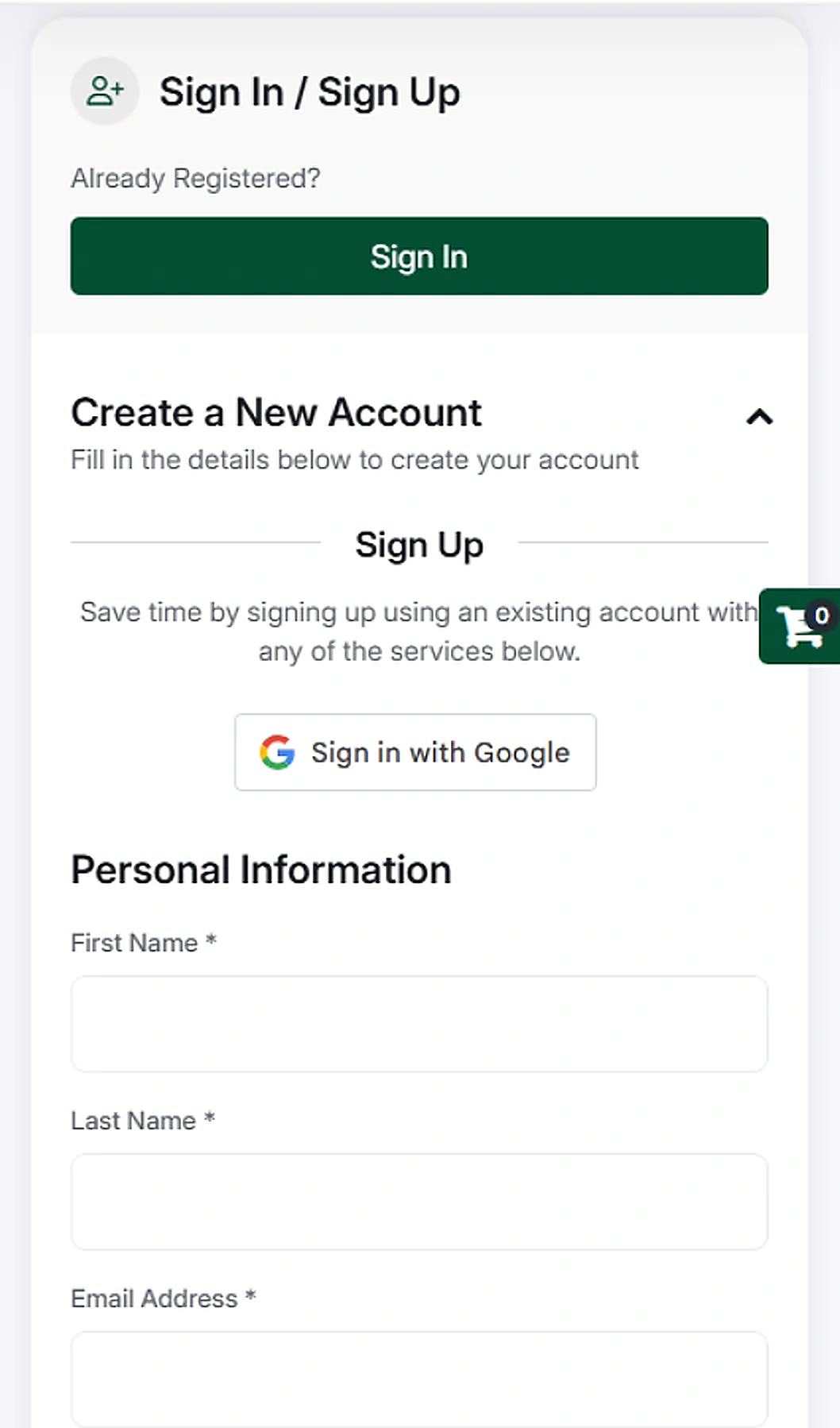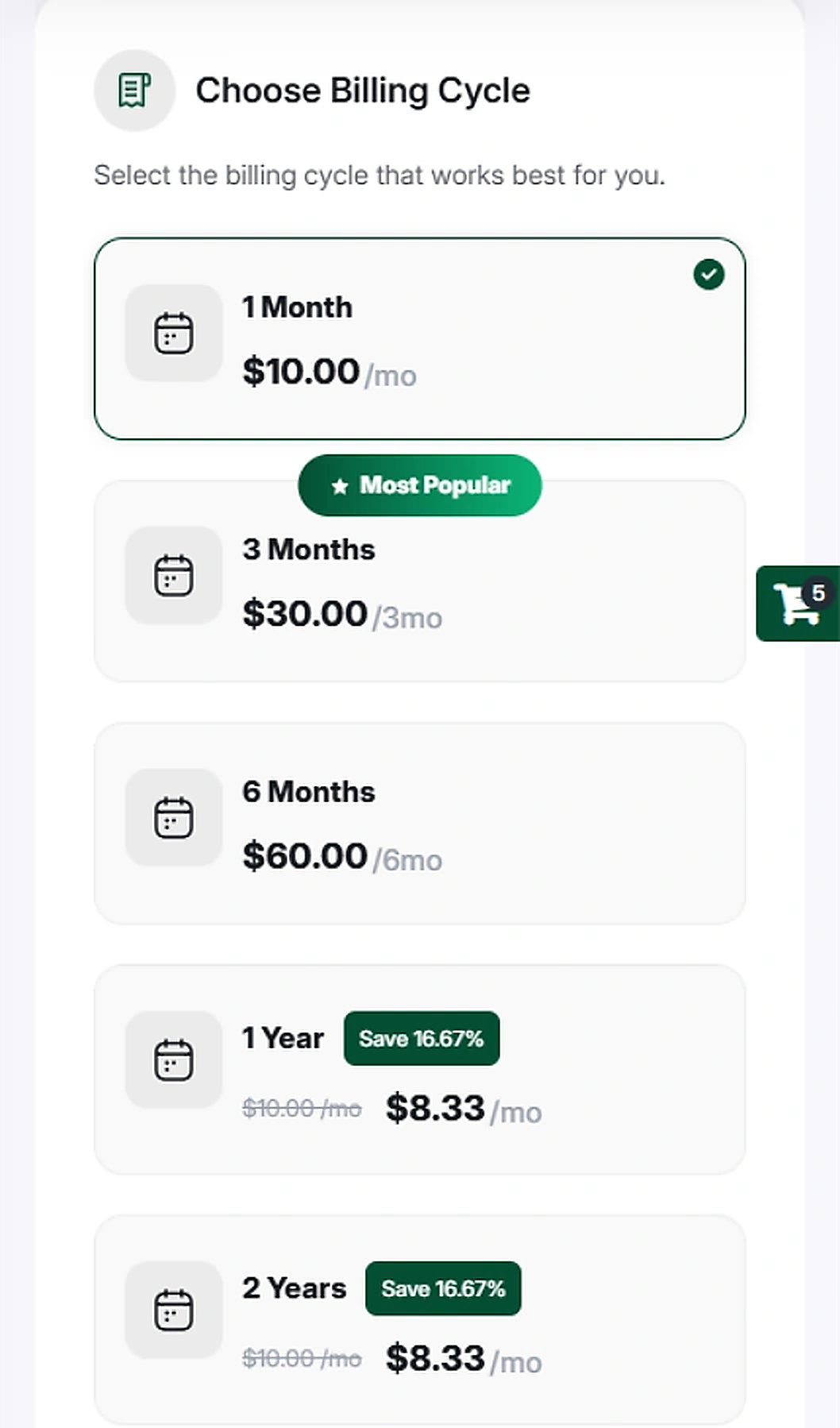
Fully Responsive Layout
Every step of the order, from choosing a product to paying, adapts cleanly to phones, tablets and desktops.
A complete one-page WHMCS cart for hosting stores. Customers choose a plan, set options, search domains, pick billing, add extras, create an account, and pay without jumping between pages.
Every step of the order, from choosing a product to paying, adapts cleanly to phones, tablets and desktops.
Shared hosting, VPS, dedicated servers, domains or software licenses. One checkout works for every product type you sell in WHMCS.
Ajax updates without page reloads and a clean, focused layout that guides customers straight to payment.
2x faster checkout
Deliver a 2x faster, smoother, and more refined checkout experience for your customers.
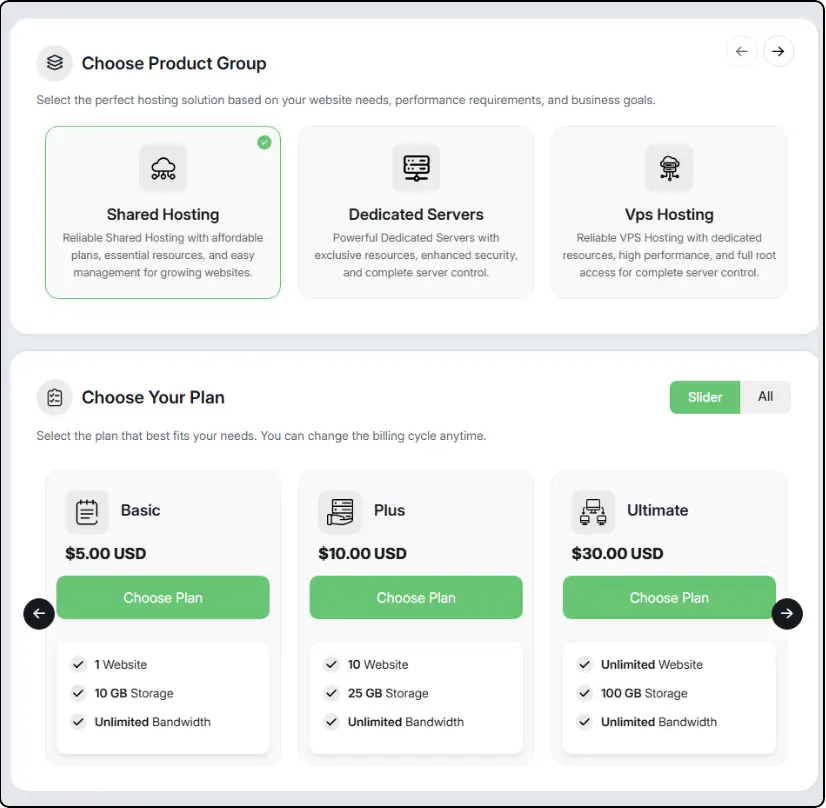
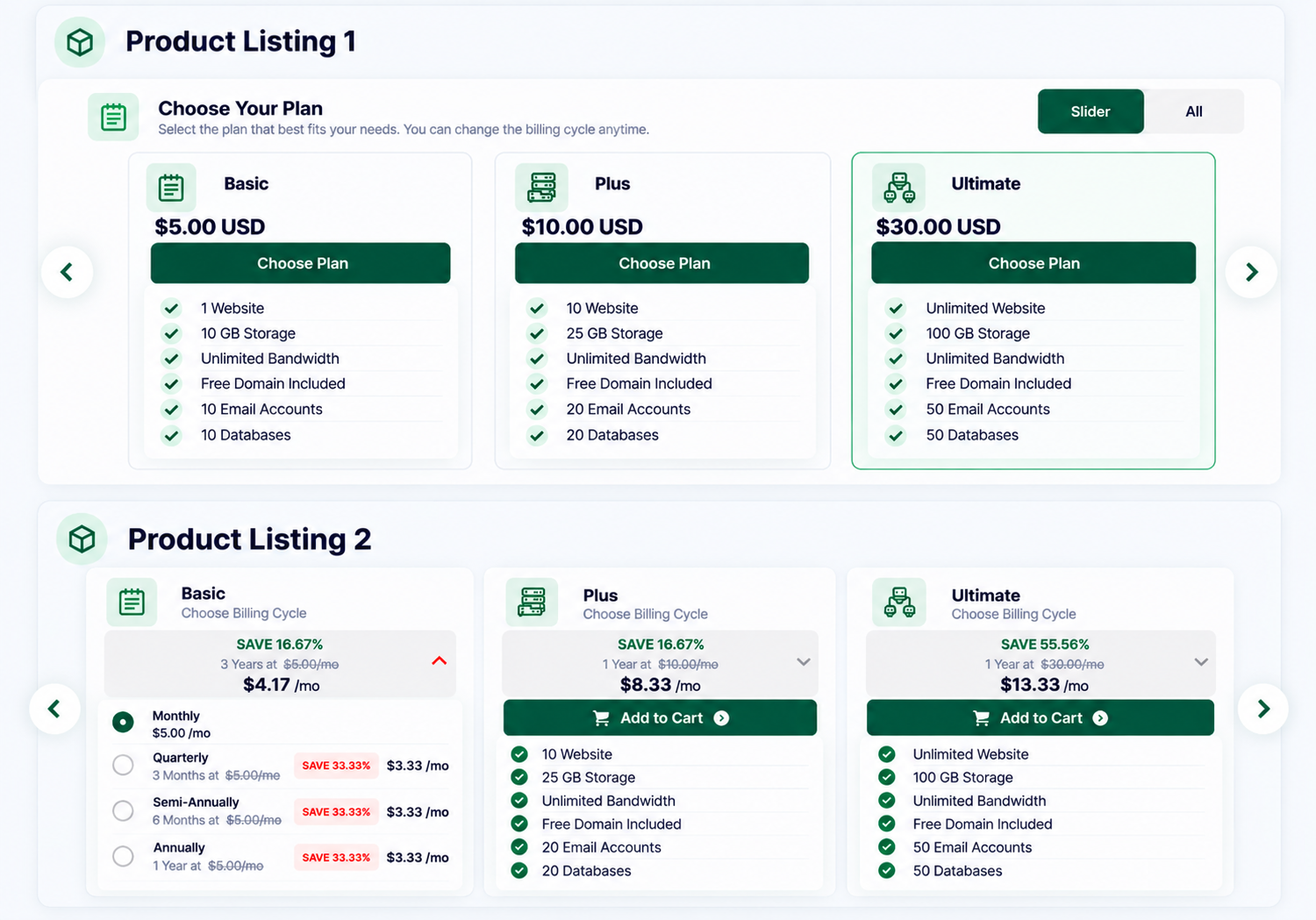
Show hosting plans in a card grid or a compact list. Switch the layout from settings so your store matches how you want products to look.
 Click to enlarge
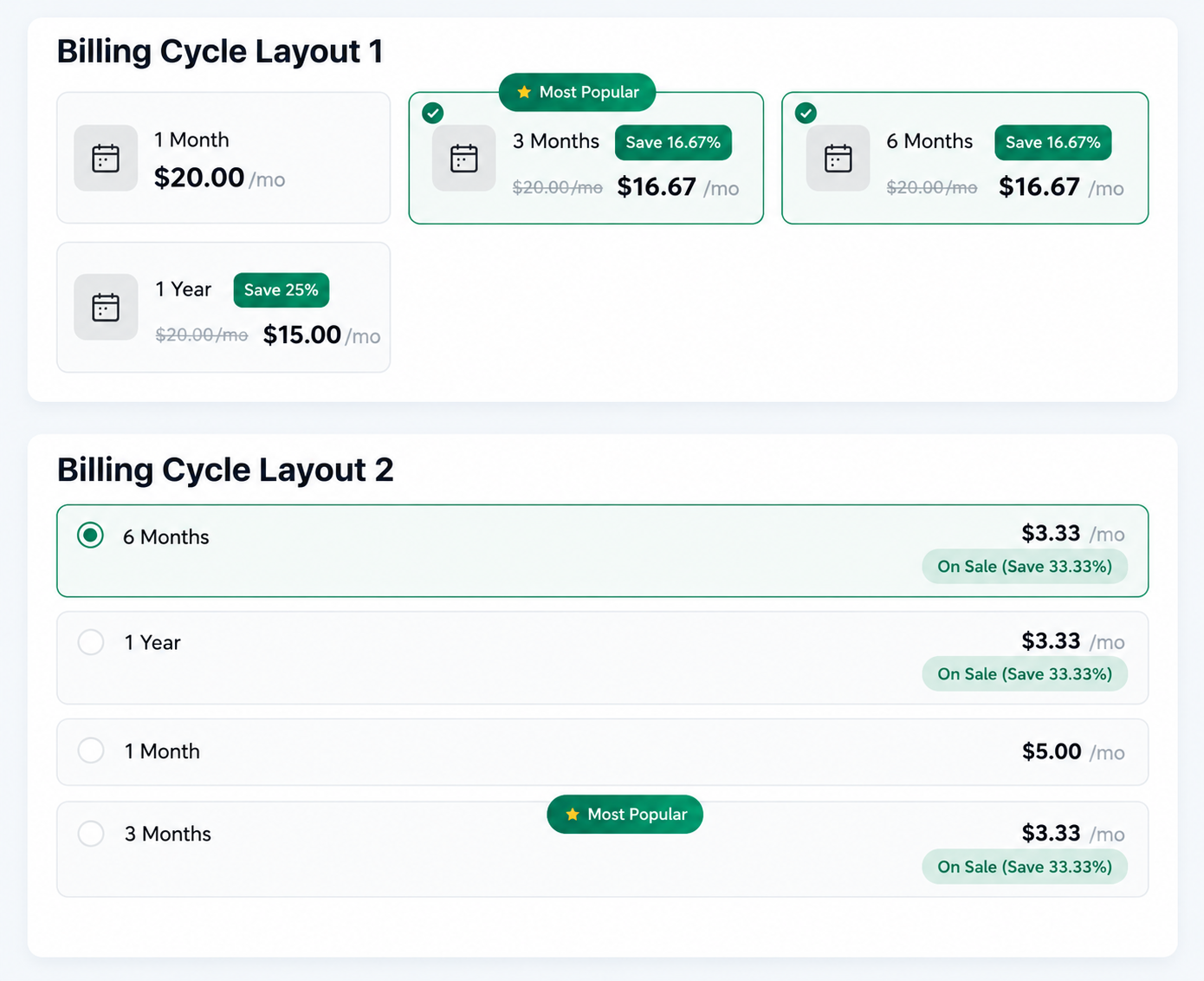
Display monthly, yearly, and other billing cycles in a compact row or a wider layout. Use the style that makes savings easier to notice.
 Enlarge
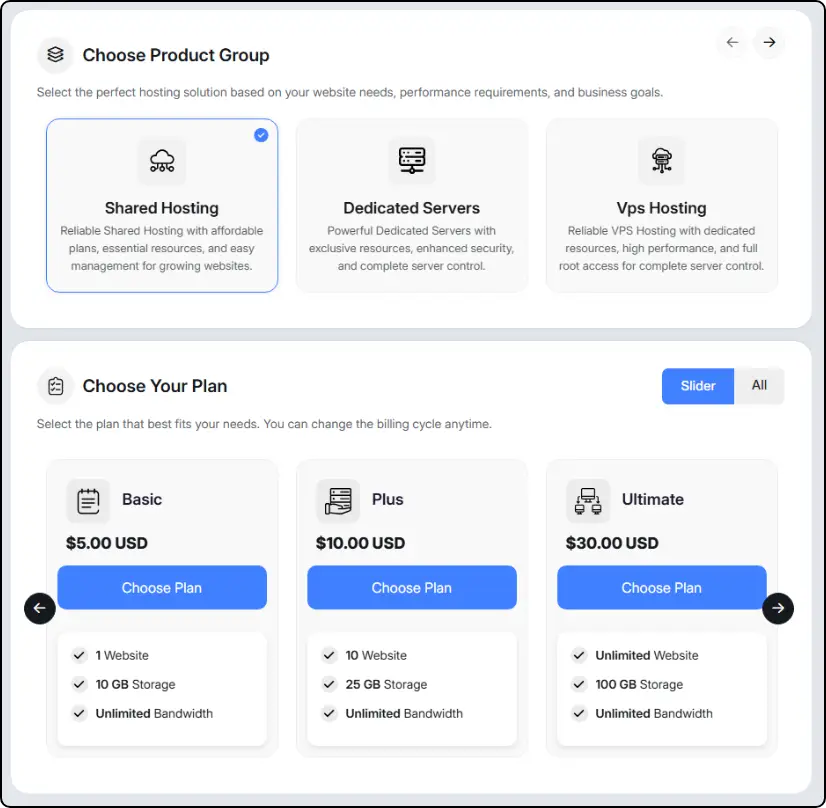
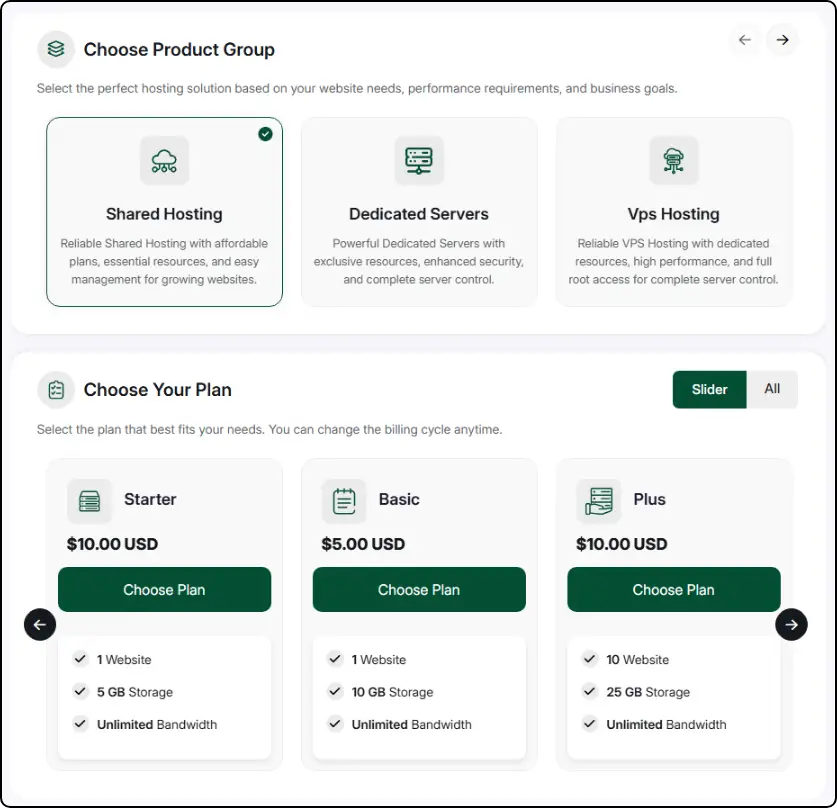
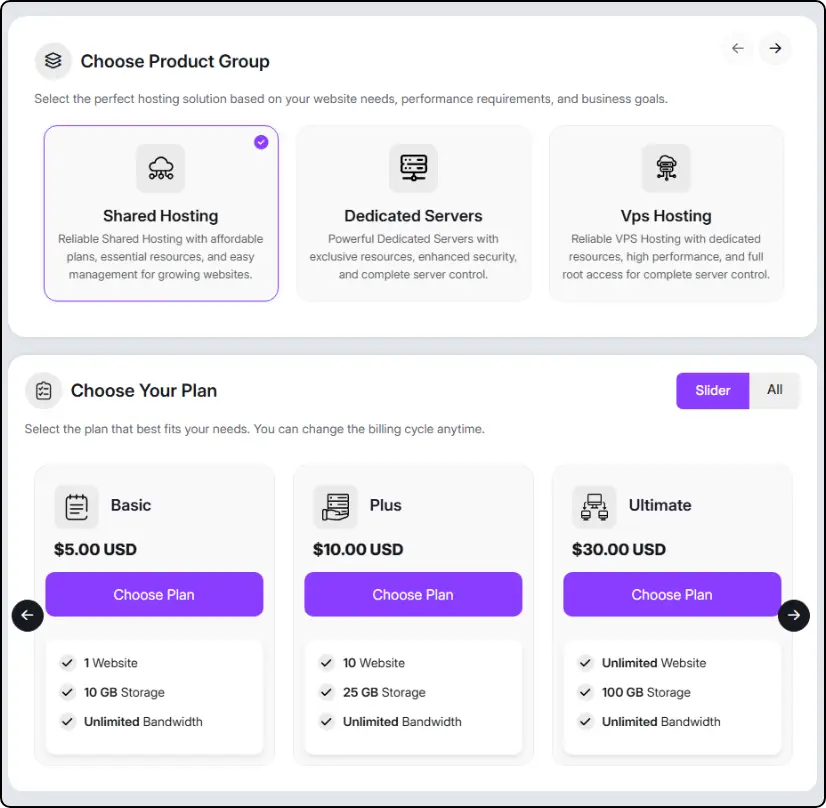
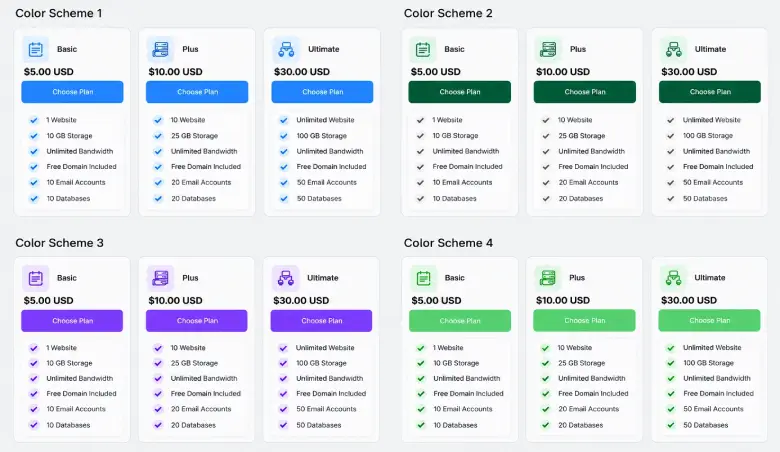
Pick green, blue, dark, or purple so the order form fits your brand. No custom CSS is required to change the theme.
 Enlarge
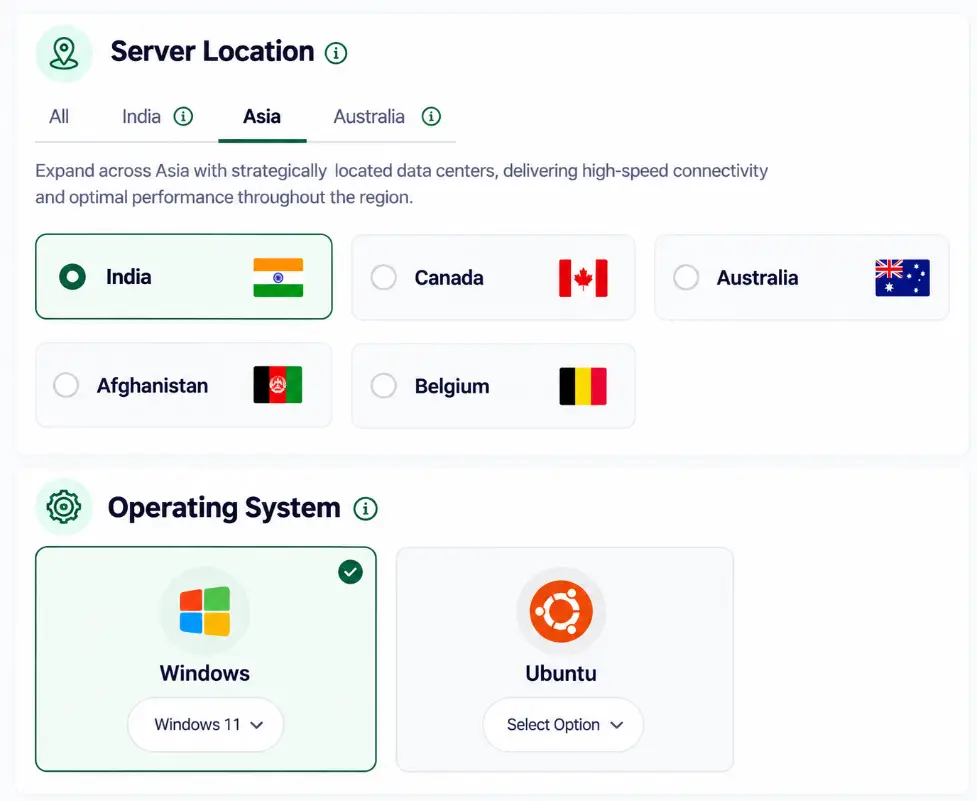
Let customers set location, operating system, and other product options on the same page. Icons and selection cards make each choice easy to scan.
 Click to enlarge
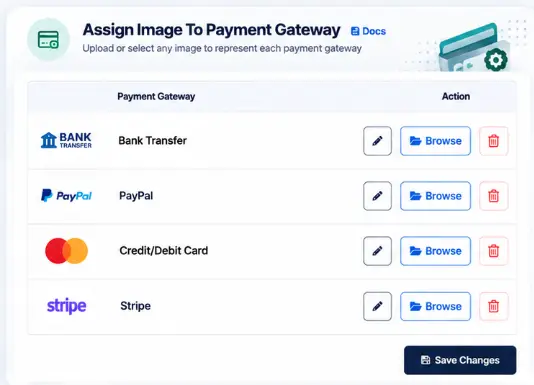
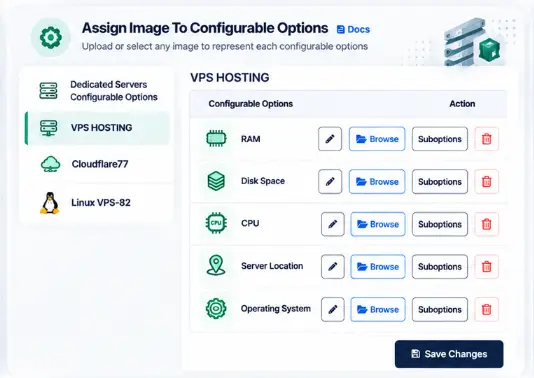
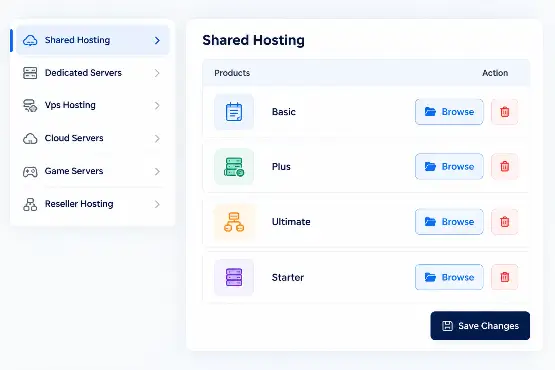
Upload and manage icons from the WHMCS admin area. Use them for payment gateways, configurable options, products, and product groups.
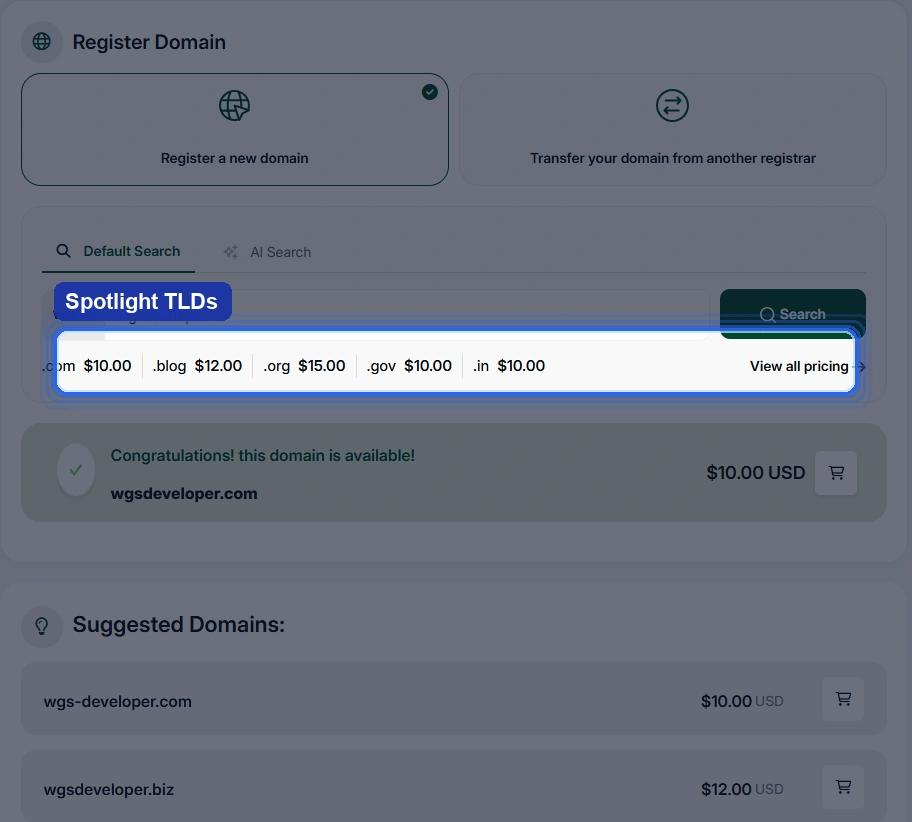
Highlight selected domain extensions during search. Spotlight TLDs help customers notice the extensions you want to promote, with pricing shown in the search results.
 Click to enlarge
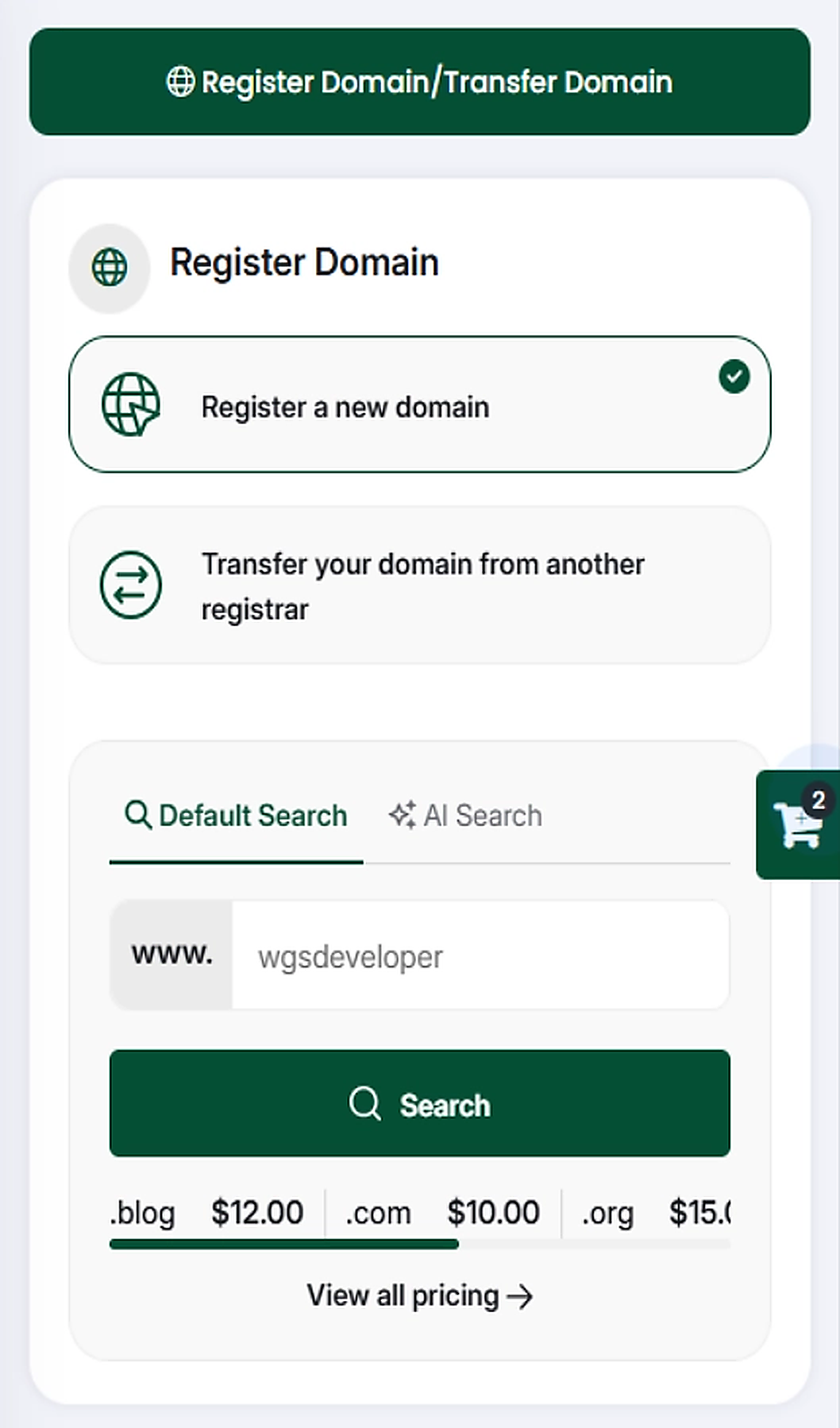
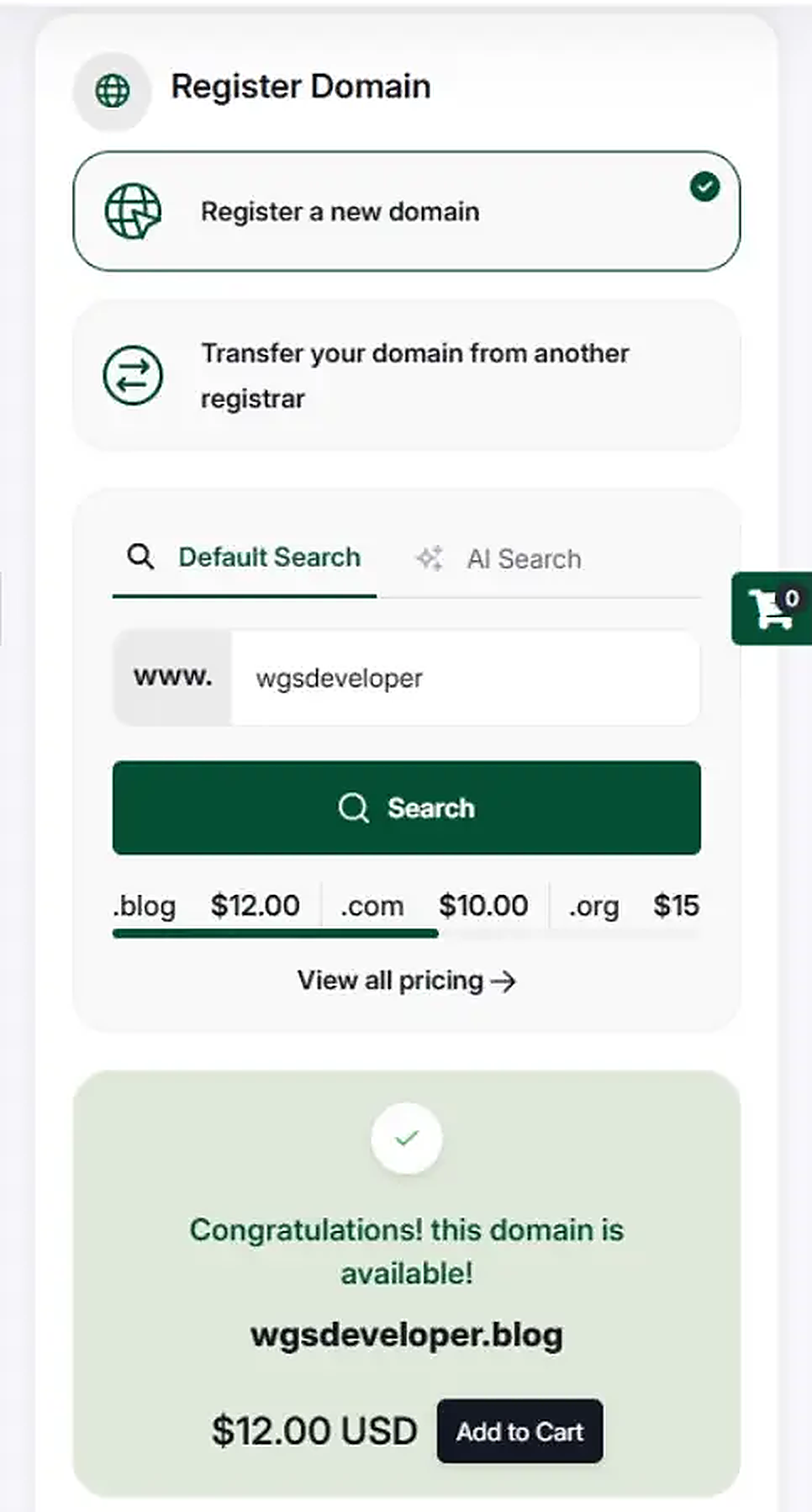
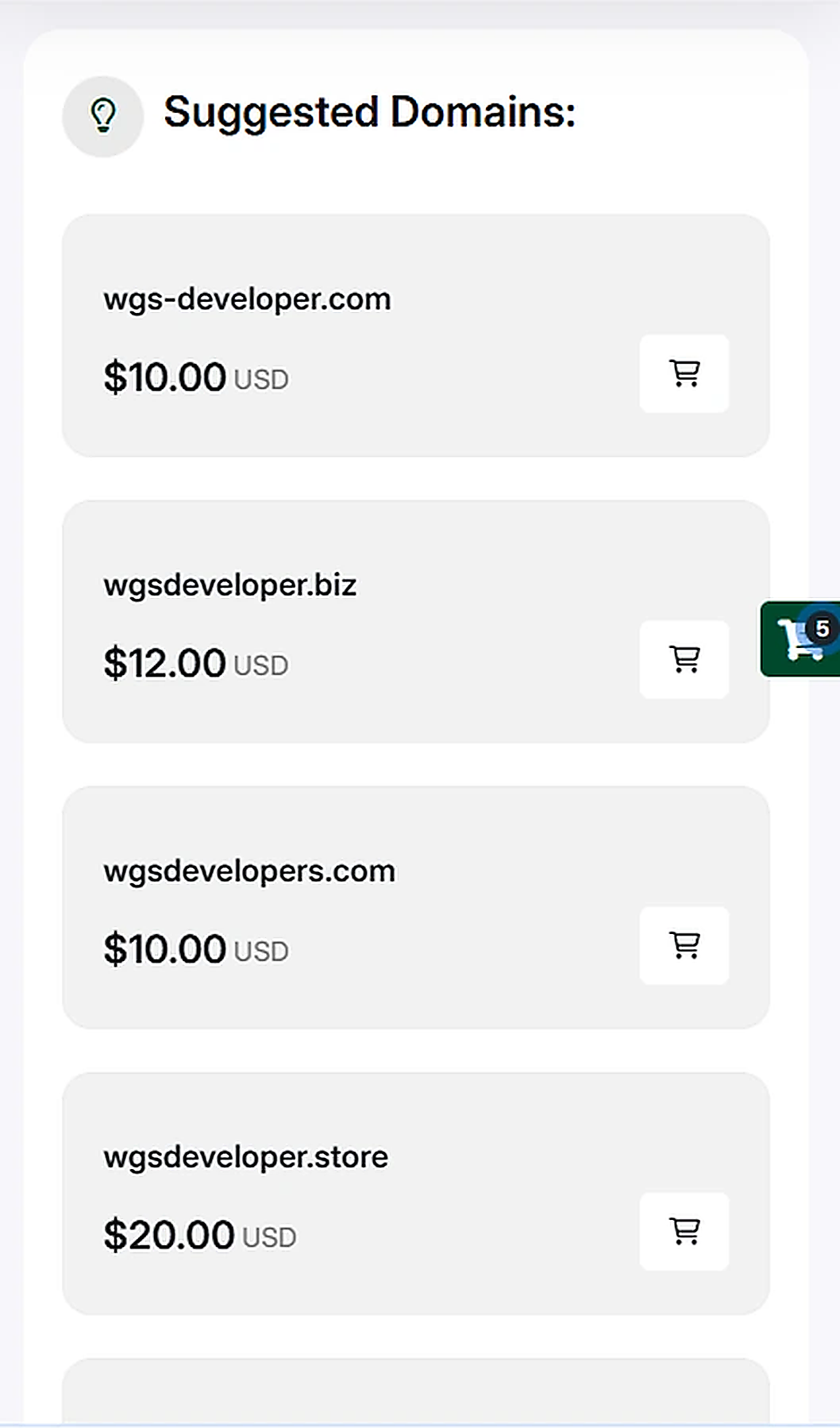
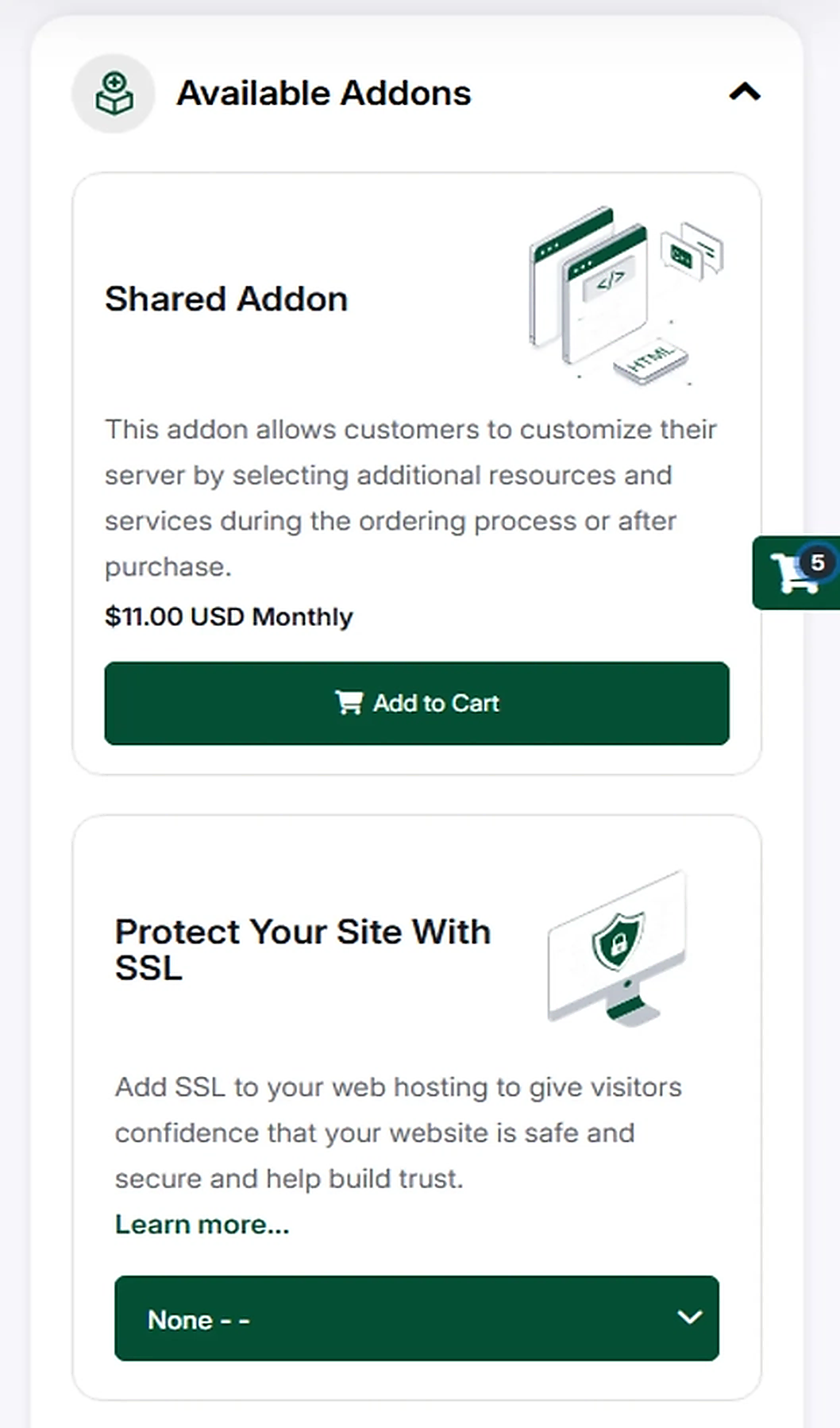
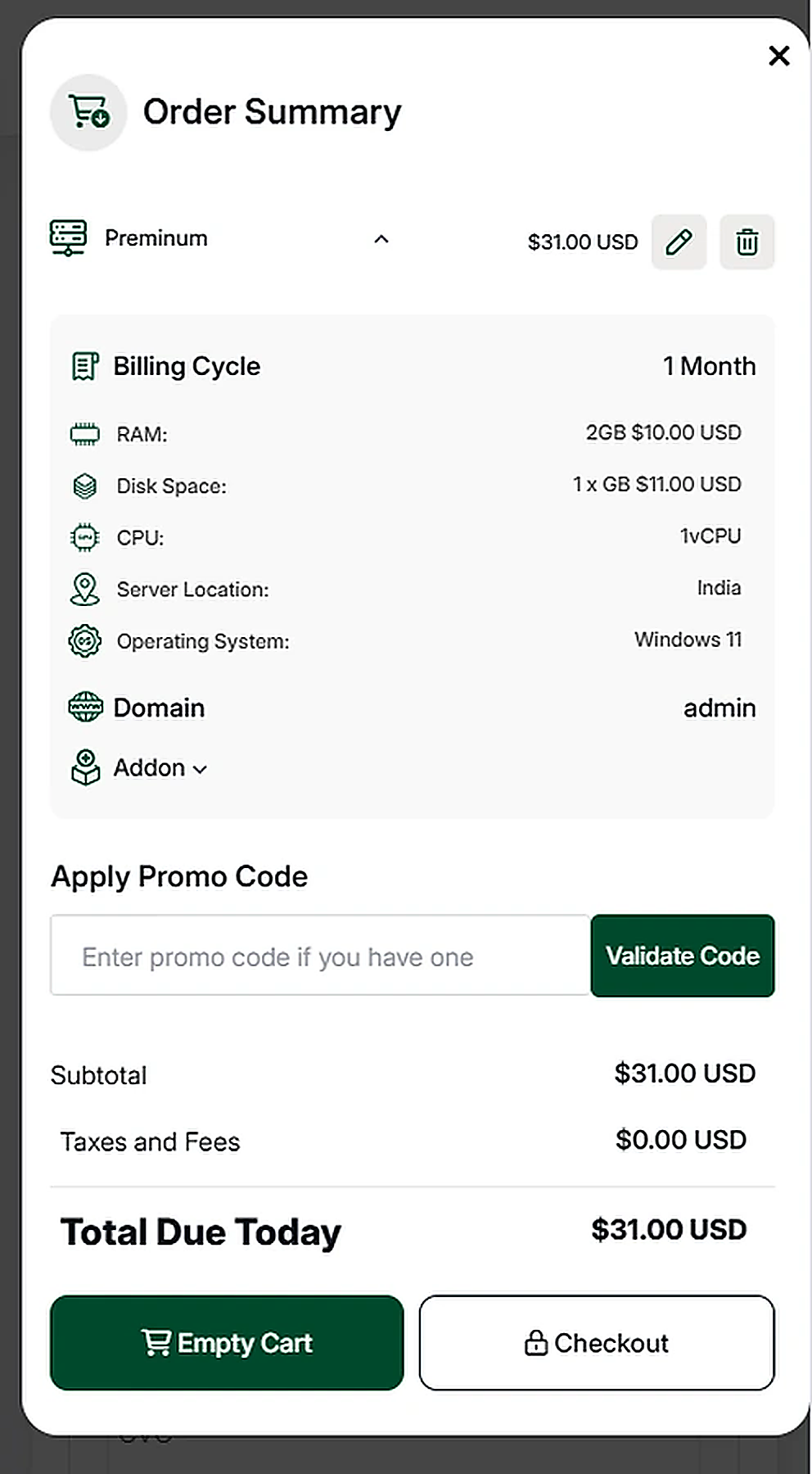
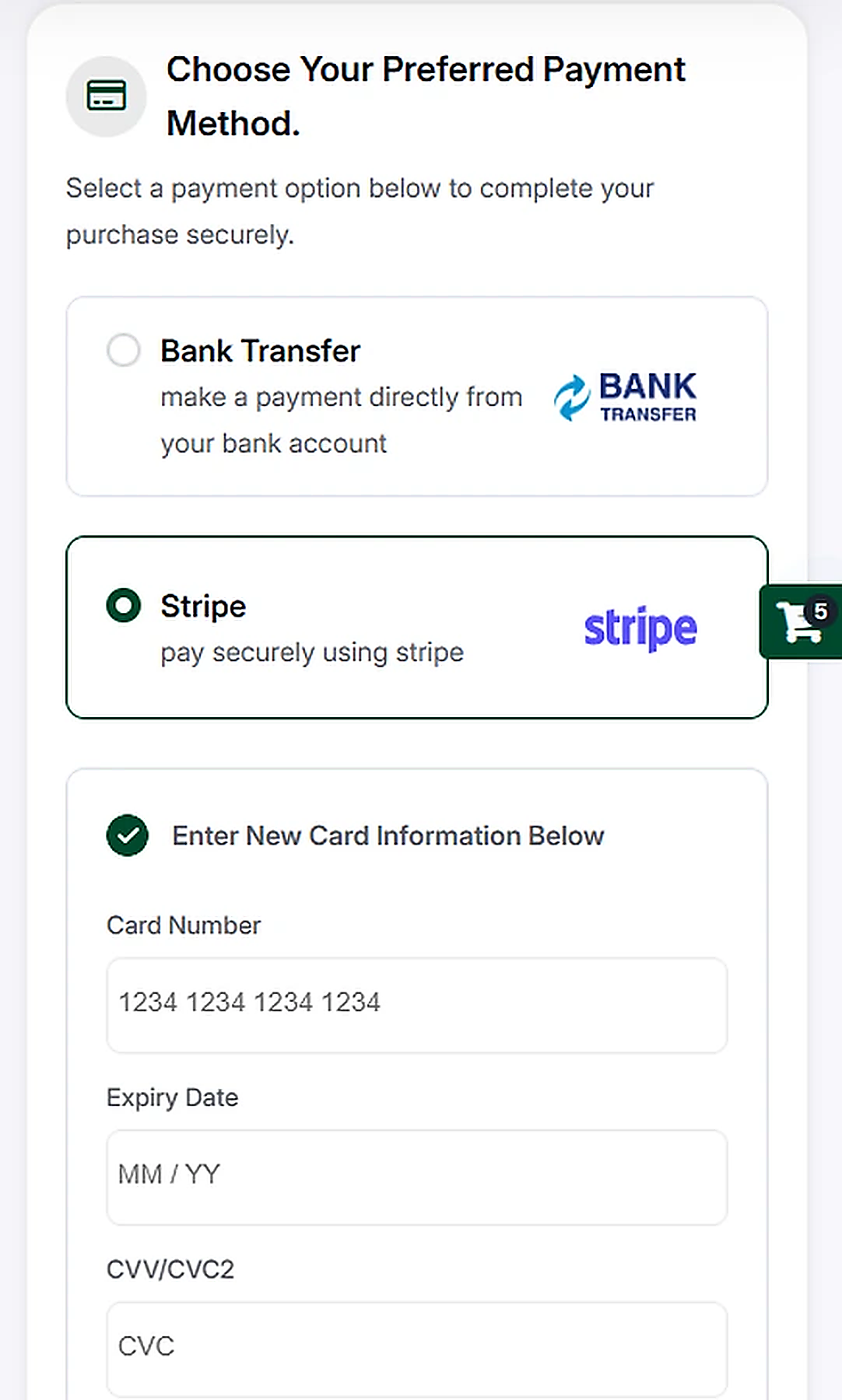
The full order flow works on phones and tablets. Customers can register domains, pick plans, sign in or create an account, choose billing, add addons, review the summary, and pay from a small screen.
Advanced settings
Control theme, layouts, icons, spotlight TLDs, and regional options from WHMCS without editing template files for every change.
Choose one of the four built-in color themes so the order form matches your client area or brand colors.
Set product listing layout and billing cycle layout separately so you can test what converts better for your store.
Manage payment, product, product group, and configurable option icons from one place in the WHMCS admin.
Decide which domain extensions appear as spotlight suggestions when a customer searches for a domain.
Use GeoIP helpers to show currency and related checkout context based on the visitor location.
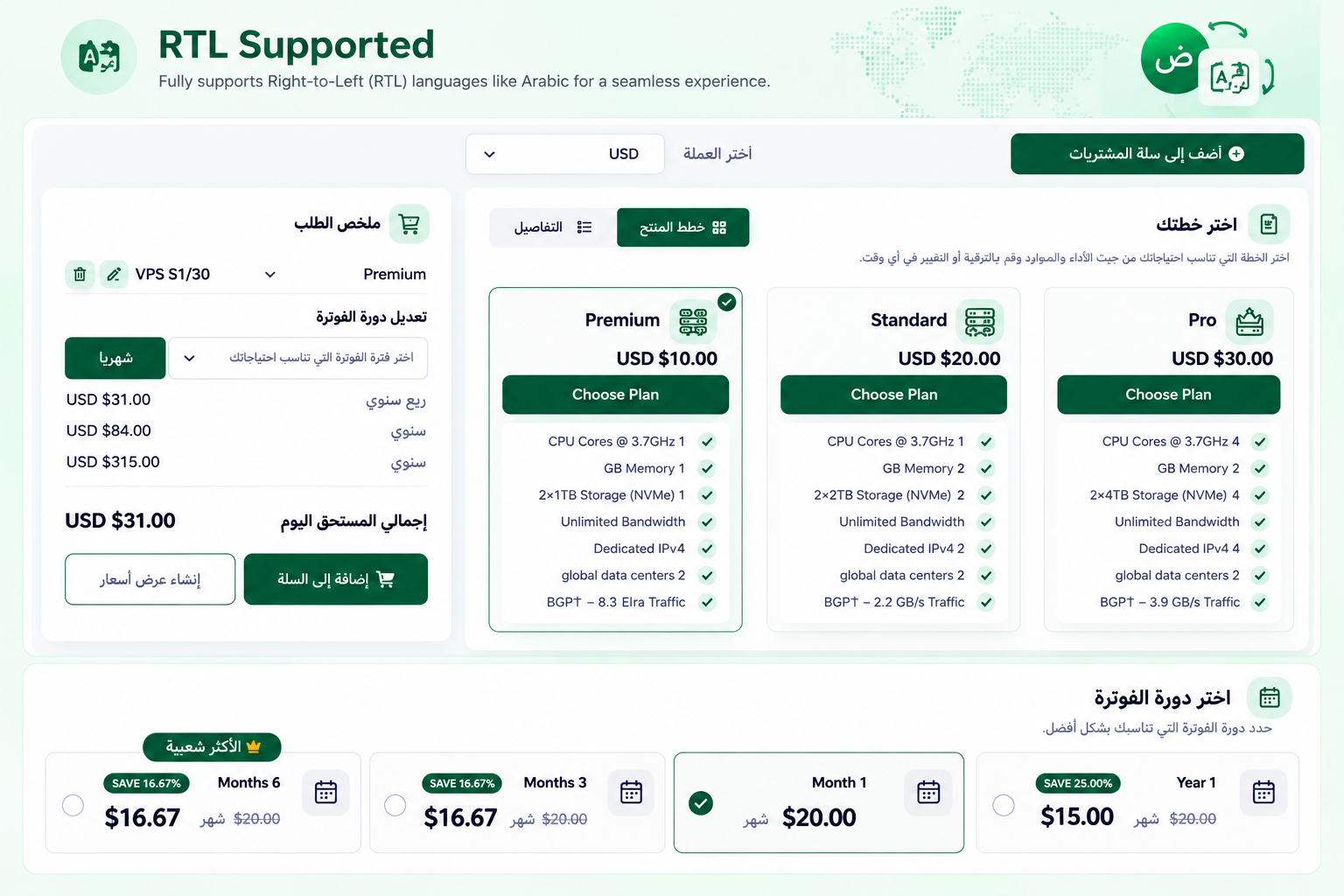
Works with WHMCS languages and currencies, including RTL storefronts for regional markets.
Why choose it
An Ajax checkout that uses standard WHMCS sessions. Upload it to the WHMCS orderforms folder, activate the template, and it works with your existing products, configurable options, addons and payment gateways.
Pricing
Buy once for your WHMCS store. Support and updates are included for the first year.
Single website license for one WHMCS installation.
Includes
Multiple website license with open source code.
Includes
FAQ
Answers about installation, licensing, compatibility, layouts and payment settings.

Yes. It is a WHMCS orderform template that keeps product selection, configuration, domains, account details, and payment on one checkout page.
Yes. The order form runs inside the WHMCS cart. Your public website can be WordPress, HTML, or another stack.
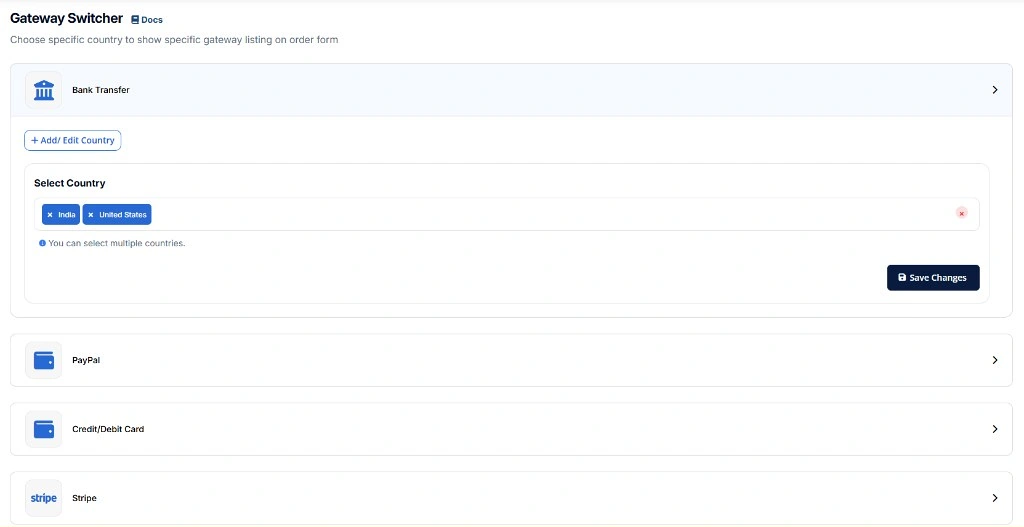
Yes. Set up your gateways in WHMCS as usual. Gateway Switcher can show payment methods by country so customers only see relevant options.
You get 4 color themes, 2 product listing layouts, 2 billing cycle layouts, icon managers for payments, products, groups, and configurable options, plus domain spotlight TLDs.
Yes. One Step Checkout works with major WHMCS client area templates including Six, HostX, ClientX, Twenty-One, and Lagom.
The license is a one-time purchase. Support and updates are included for the first year. After that, renewal is optional if you want continued updates and support.
Follow the guide at WGS One Step Checkout Template wiki. Upload the files to the WHMCS orderform folder and activate the template.
Refunds are not applicable for this product. Please review the live demos before you buy.